Tips & setup
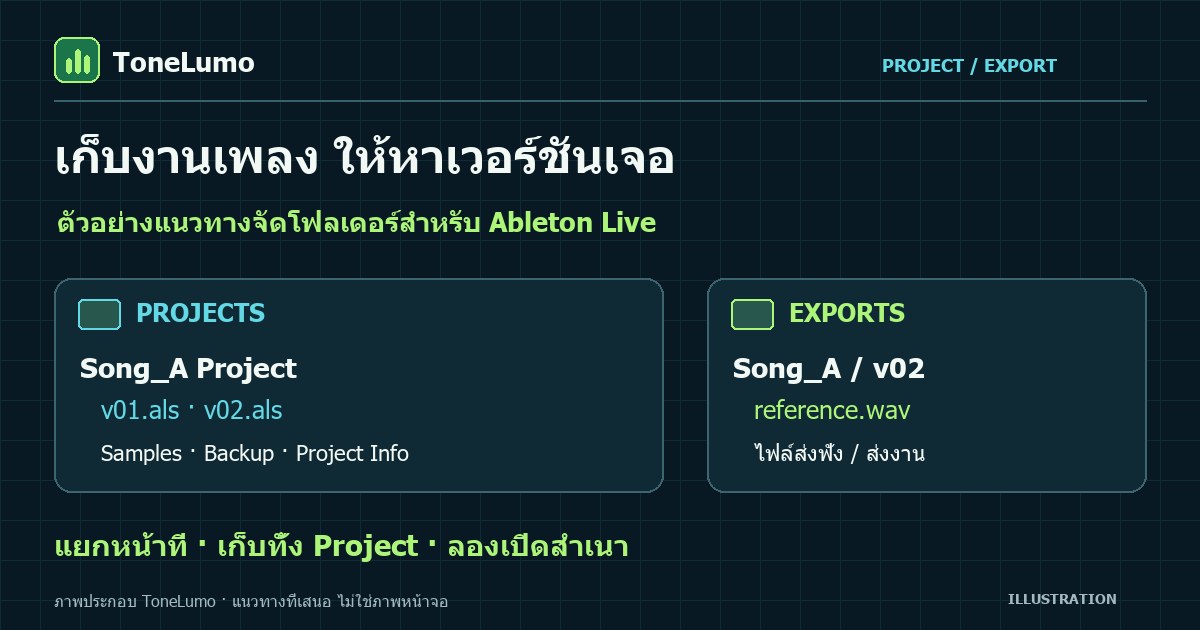
Organize Ableton Live song folders: projects, media and exports
Give each song its own Project folder, keep related Set versions together, and label exports clearly without blindly moving referenced audio files.
Read article →TONELUMO BLOG
Practical fixes, music-making tips, plugin information and manufacturer news. Each article includes sources and the date its information was checked.
Tips & setup
Give each song its own Project folder, keep related Set versions together, and label exports clearly without blindly moving referenced audio files.
Read article →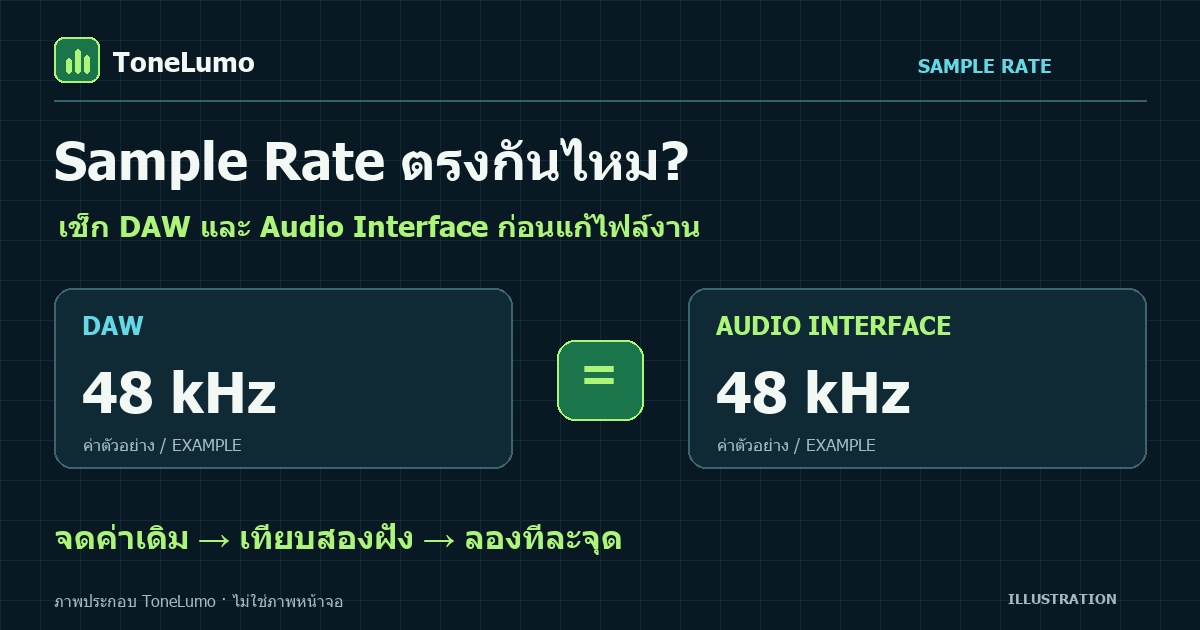
Tips & setup
Wrong playback speed or pitch? Use Ableton Live and Focusrite on Windows as examples to compare active settings, preserve the originals, and change one thing at a time.
Read article →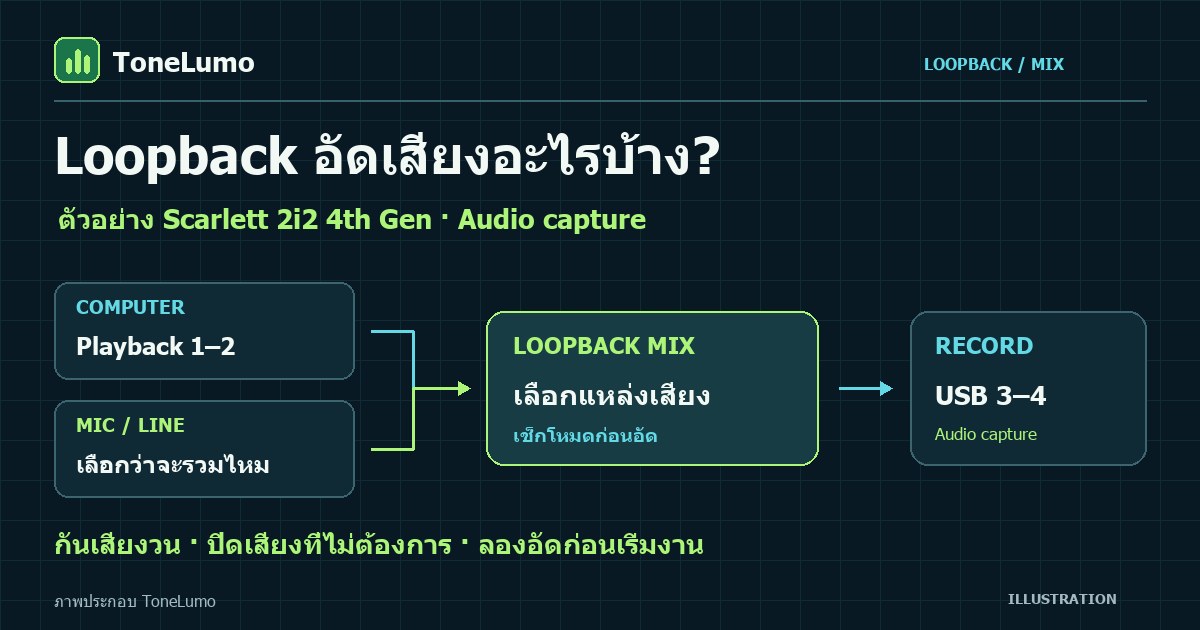
Tips & setup
A Scarlett 2i2 4th Gen example: check the loopback destination, choose the sources in its mix, and keep feedback and private audio out of your recording.
Read article →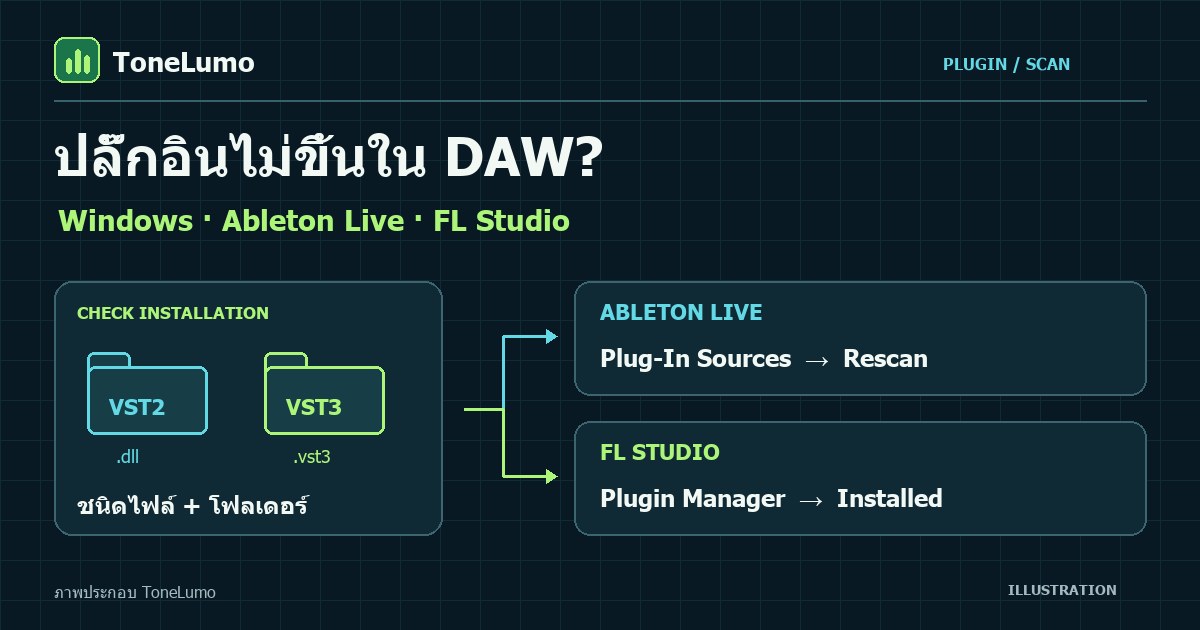
Tips & setup
Check the installed plug-in file, the folder your DAW scans, and the Installed list before reinstalling. Separate steps for Live and FL Studio, based on vendor documentation.
Read article →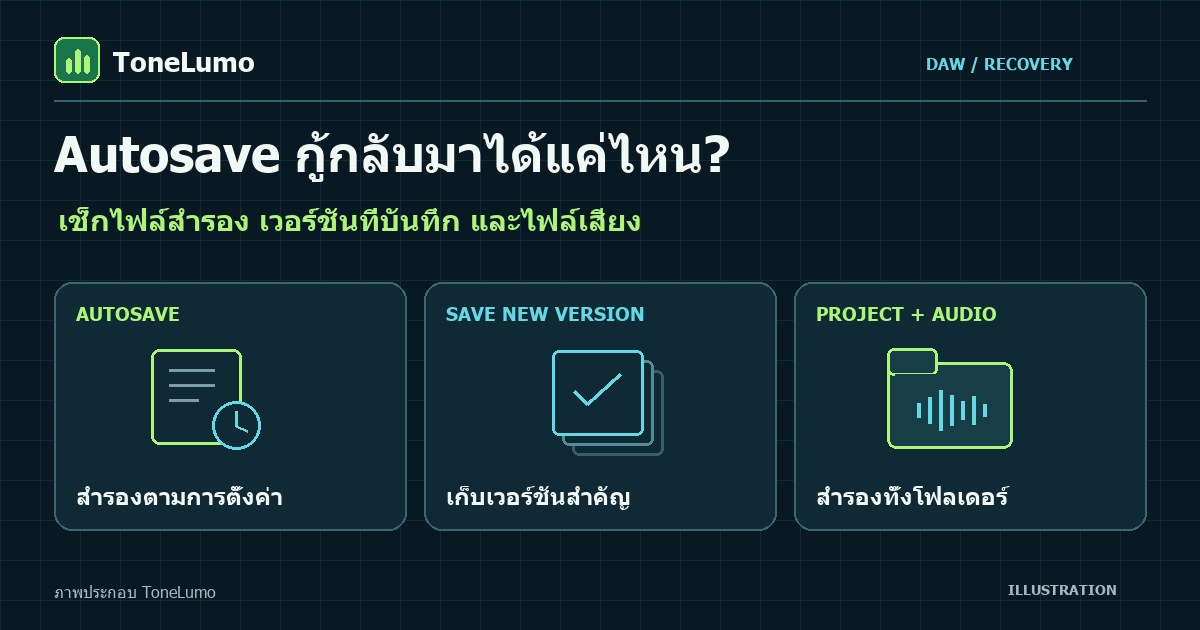
Tips & setup
Check when backups are created, where they are stored, and whether the audio files are still available. Open a copy before returning to work.
Read article →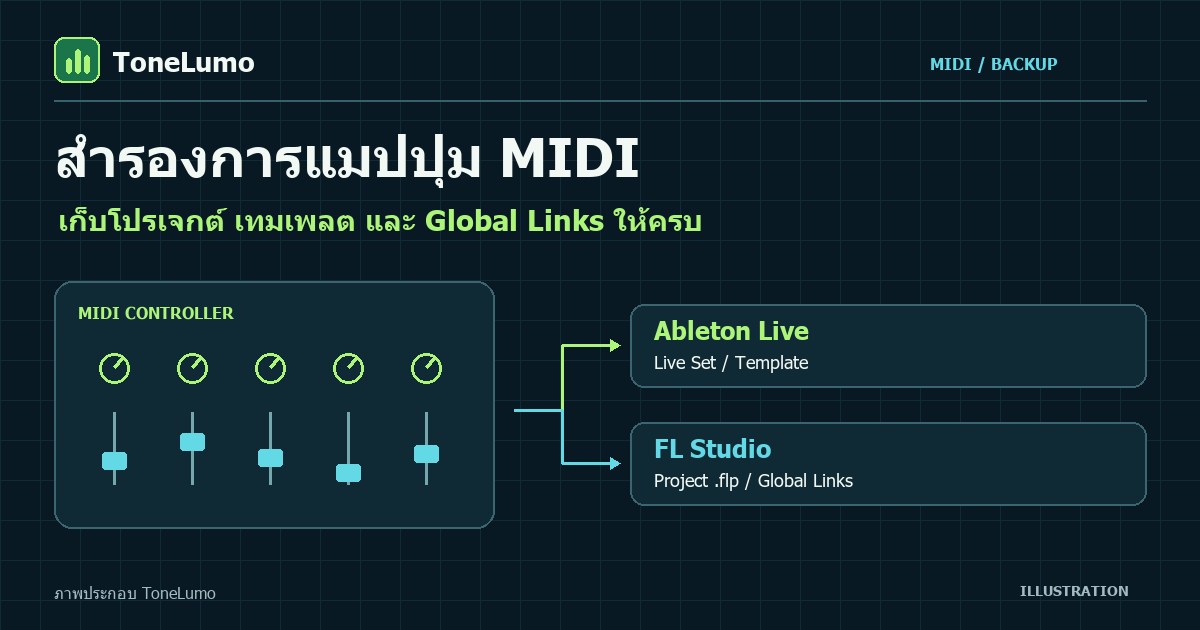
Tips & setup
Save the Live Set, template, or FL Studio mapping files that hold your assignments, then check them in a copy before changing computers or updating your DAW.
Read article →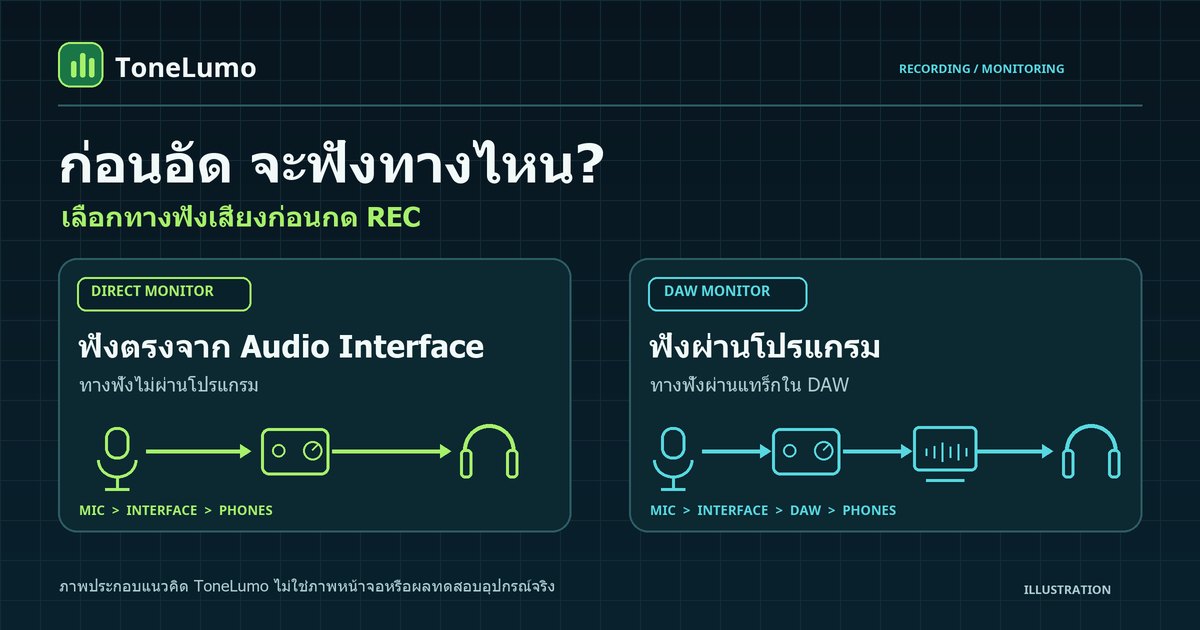
Tips & setup
Before recording in Ableton Live 12, choose direct interface listening for a low-latency dry input or monitor through Live to hear its effects. Then check the recorded timing.
Read article →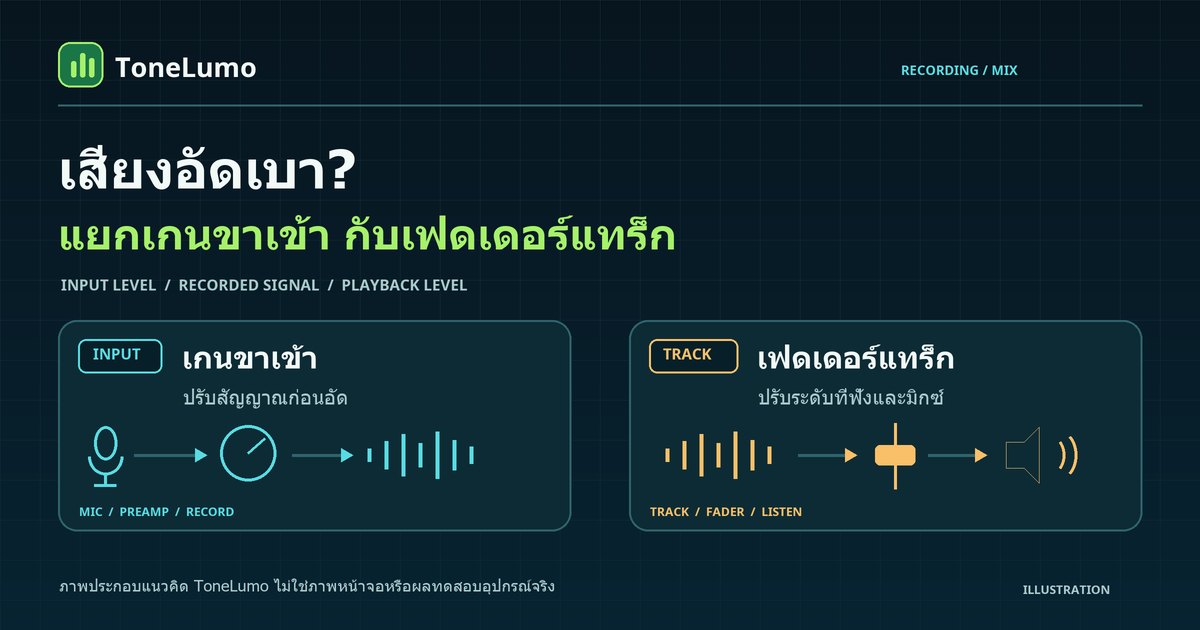
Tips & setup
When recording a microphone from an interface into Ableton Live, input gain sets the signal sent into the DAW; the track fader sets listening and mix level. Internal Post Mixer recording and Resampling are exceptions to check.
Read article →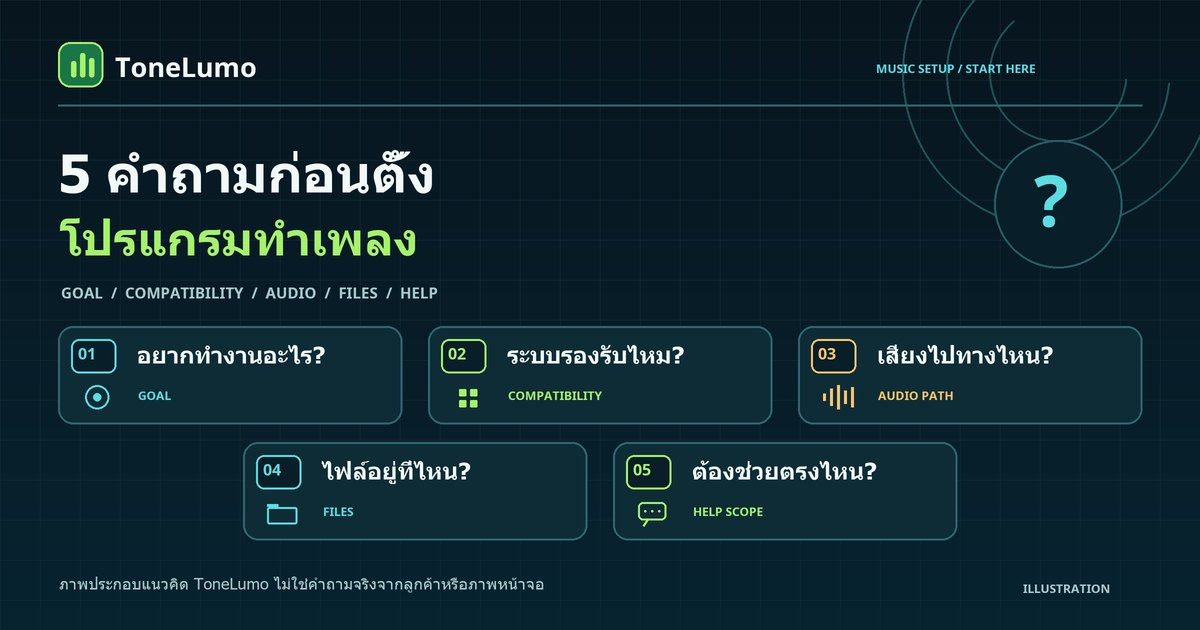
Tips & setup
Start with the task you actually need, then check versions, audio routing, project files and the acceptance test. These are editorial checklist questions, not questions submitted by customers.
Read article →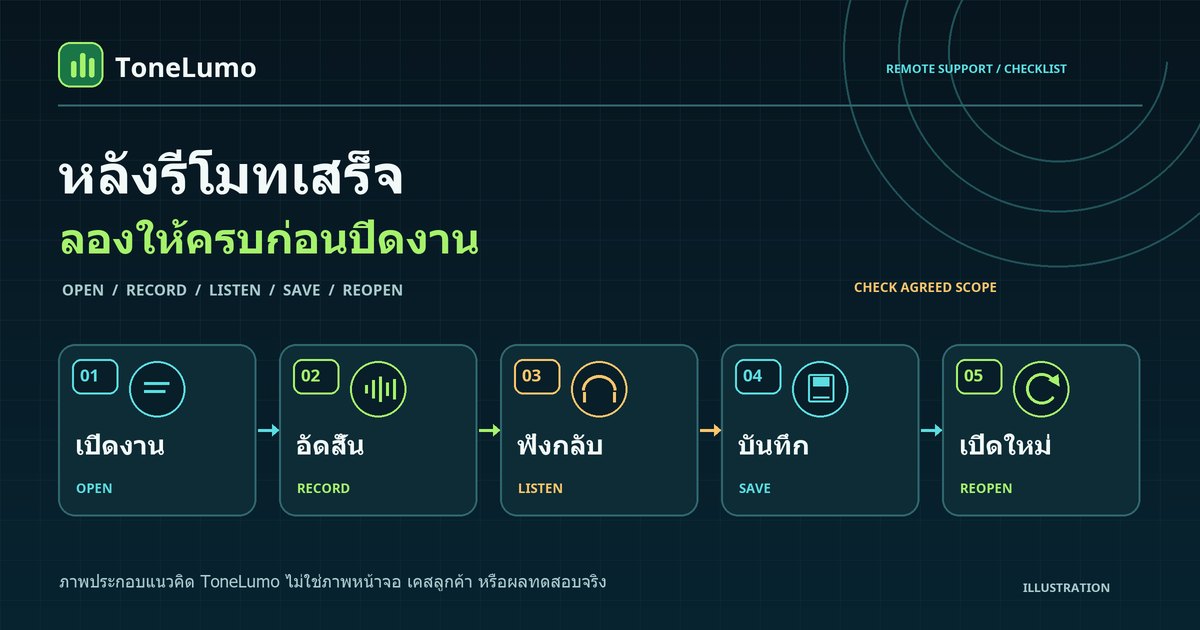
Tips & setup
Accept agreed remote work with a short check: open a project, record and play back when relevant, save, reopen and note what was not checked without extending the service promise.
Read article →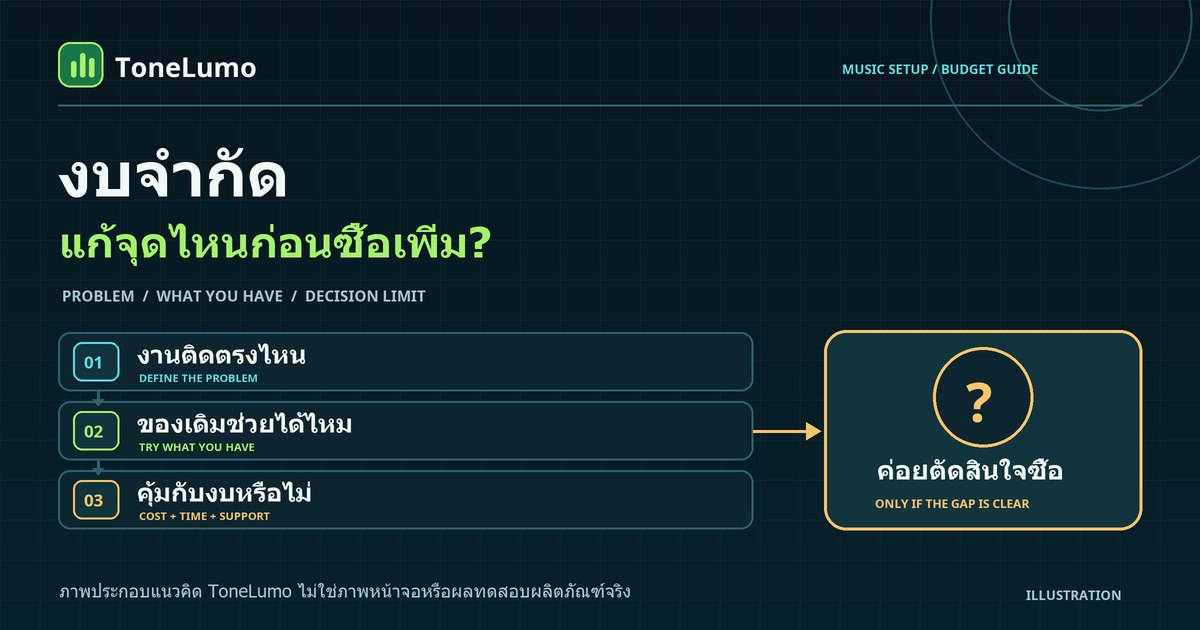
Tips & setup
Name the task that is blocked, check the settings and gear you already have, and set a spending test without assuming a new purchase will solve an undiagnosed problem.
Read article →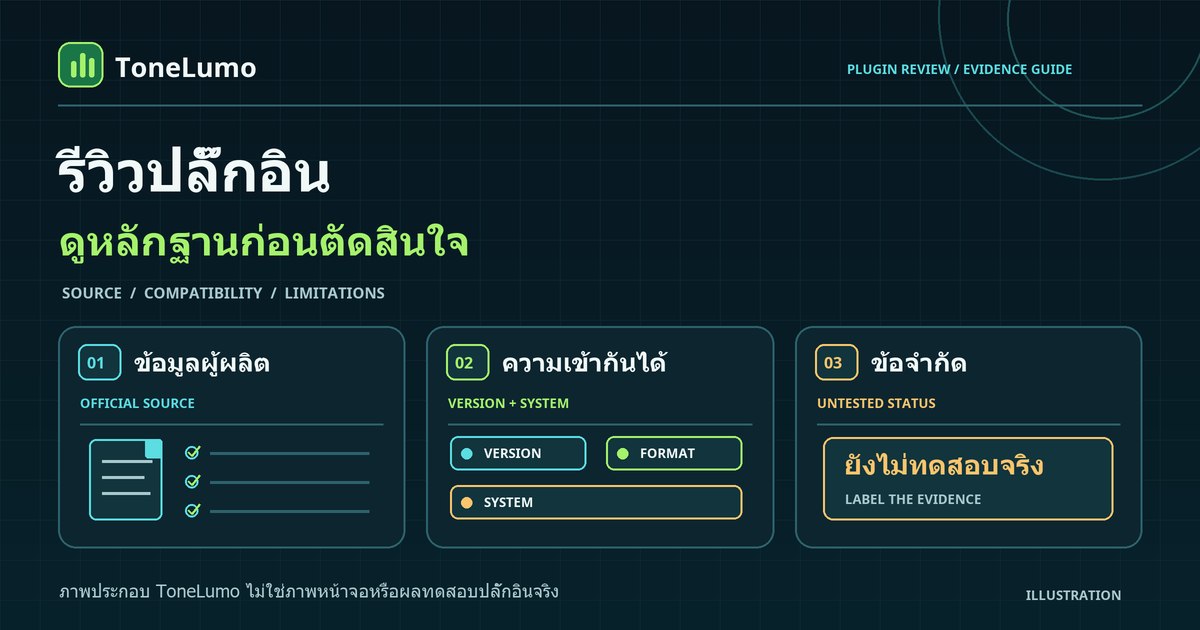
Plugins & reviews
Read a plugin review with its evidence in view: vendor specifications, DAW compatibility documents and any actual test result are different claims. Use this checklist before choosing.
Read article →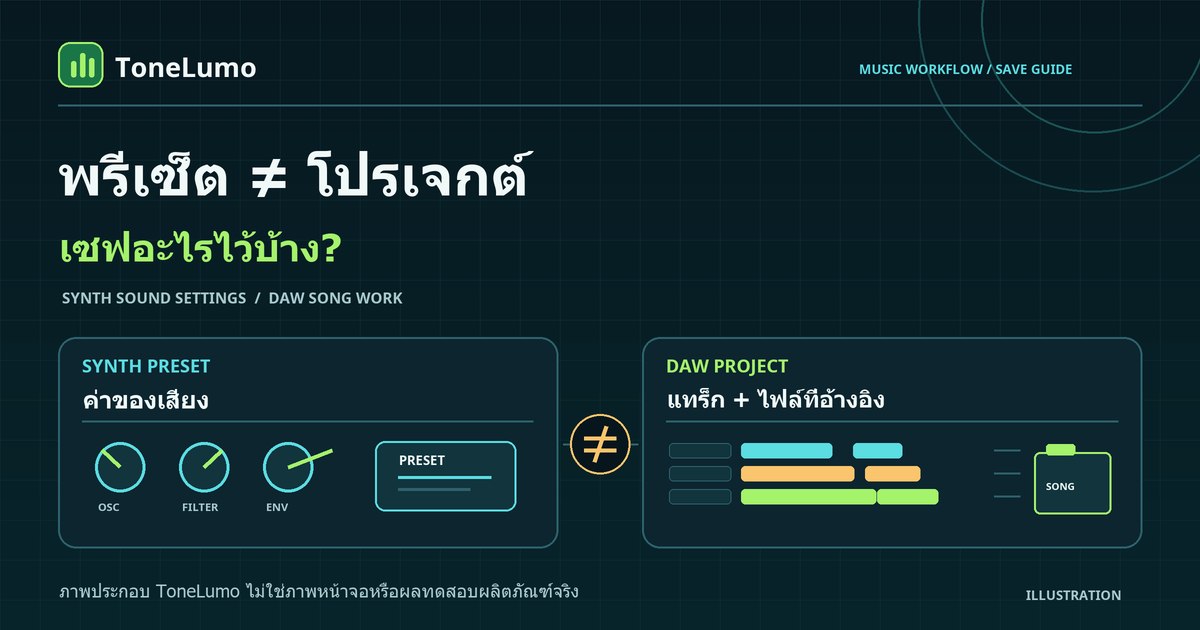
Tips & setup
A preset keeps a synth sound available for reuse; a DAW project preserves the wider song. Compare Surge XT patches with Ableton Live Sets and check media before moving computers.
Read article →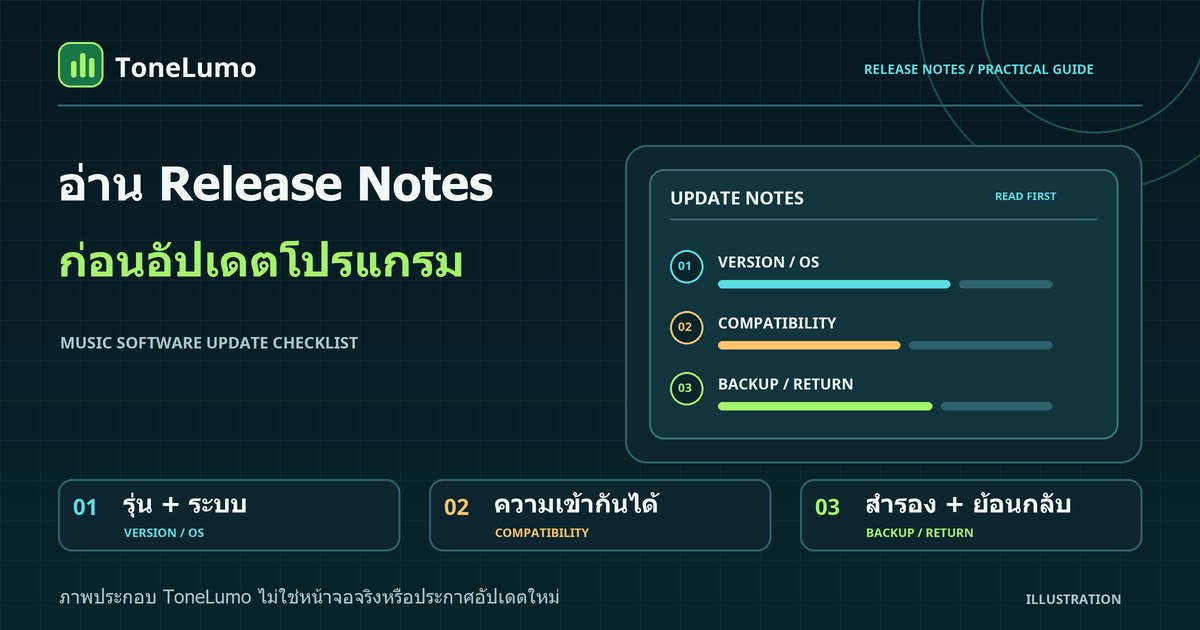
Tips & setup
Match the exact release and operating system, distinguish new features from fixes, and check compatibility before planning a safe test of your music setup.
Read article →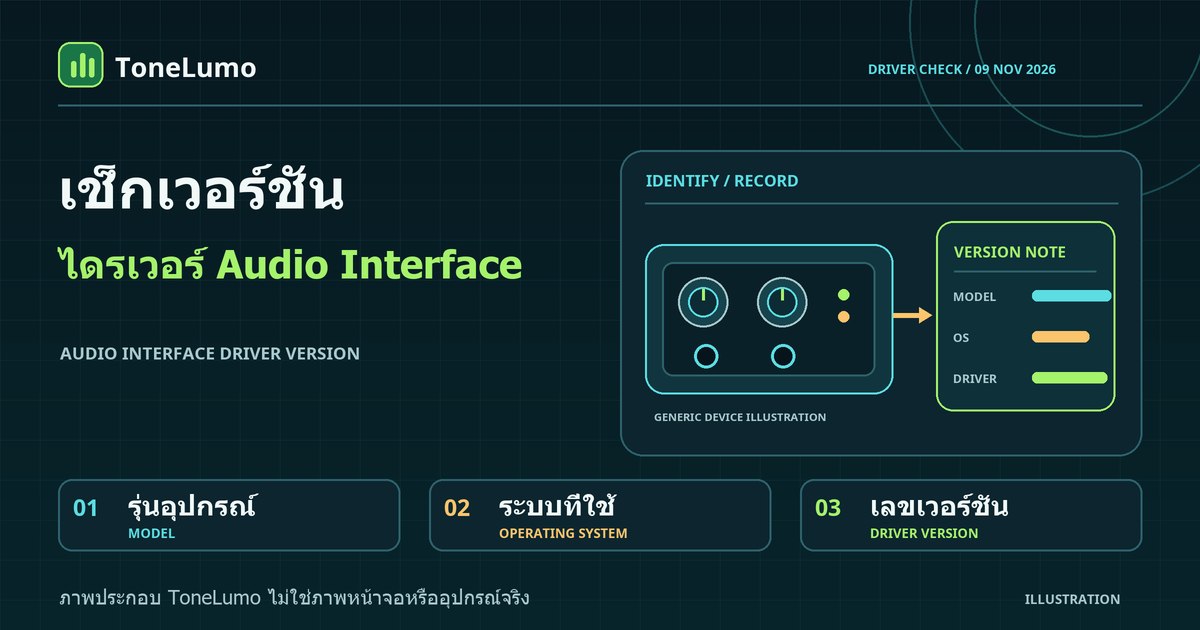
Tips & setup
Read the installed driver number in Focusrite Settings, check its provider in Device Manager, and compare the exact interface model with official downloads.
Read article →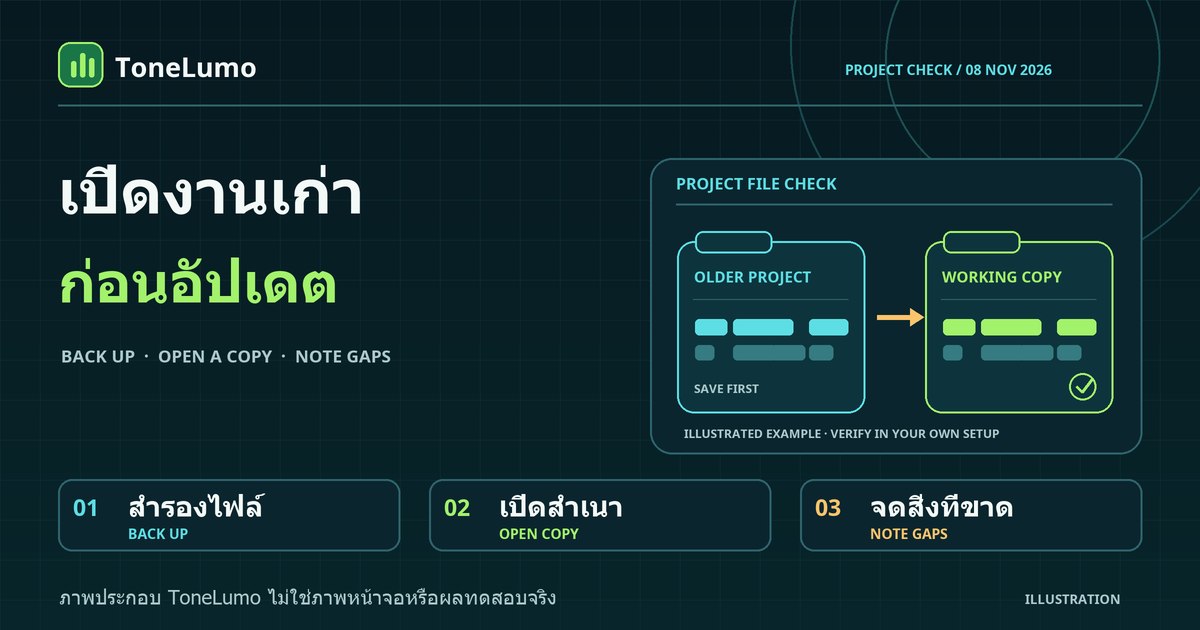
Tips & setup
Use a familiar project copy as a before-and-after reference for media, plug-ins, playback, saving and export without overwriting the original.
Read article →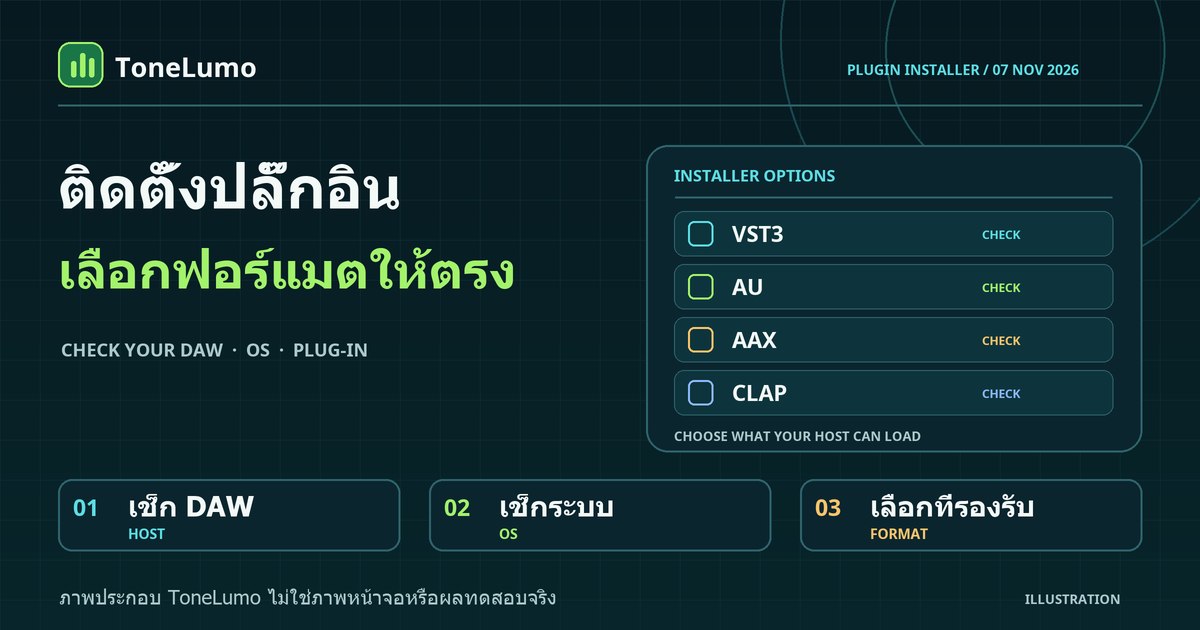
Plugins & reviews
Choose plug-in formats by DAW, operating system and existing projects, then check the installed plug-in without assuming one format replaces another.
Read article →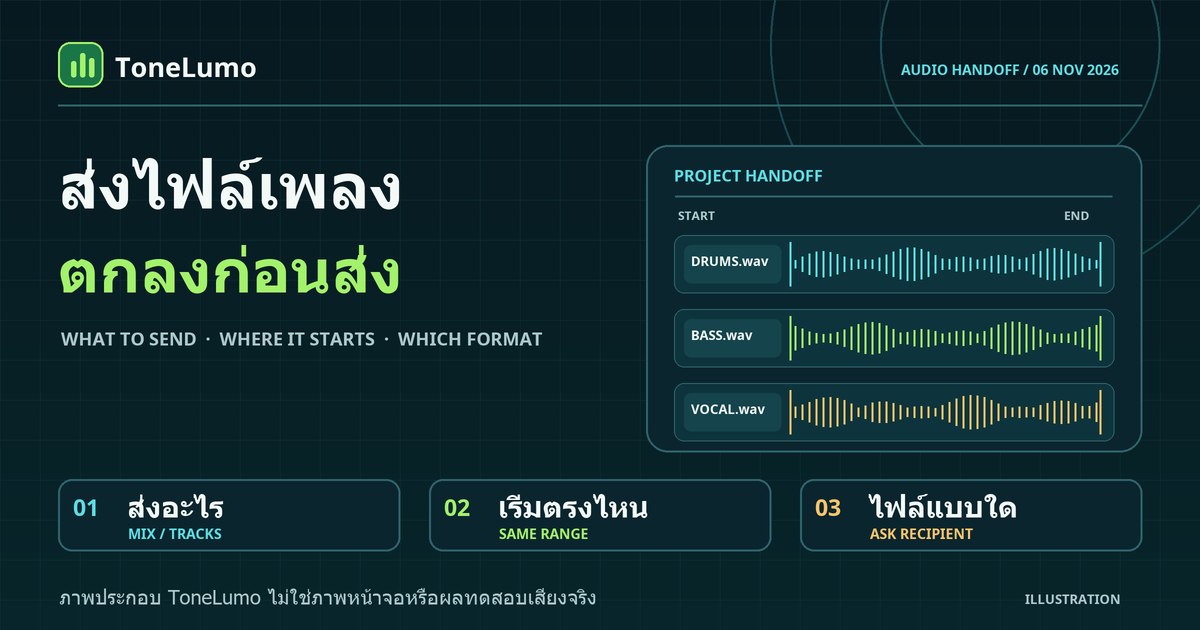
Tips & setup
Before sending music for mixing, editing or approval, agree on the deliverables, common time range, file format, processing and version names. Then inspect the actual exports before sharing them.
Read article →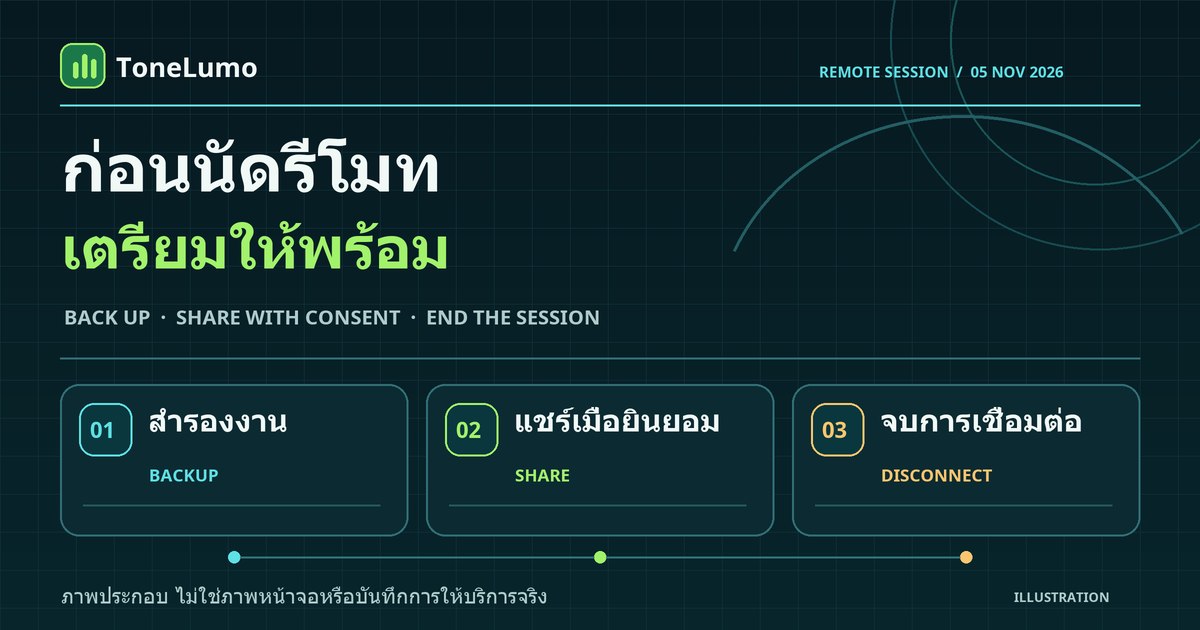
Tips & setup
After agreeing to a remote music-software appointment, confirm its scope, make a usable project copy, limit screen access, approve control only when needed and review permissions when the session ends.
Read article →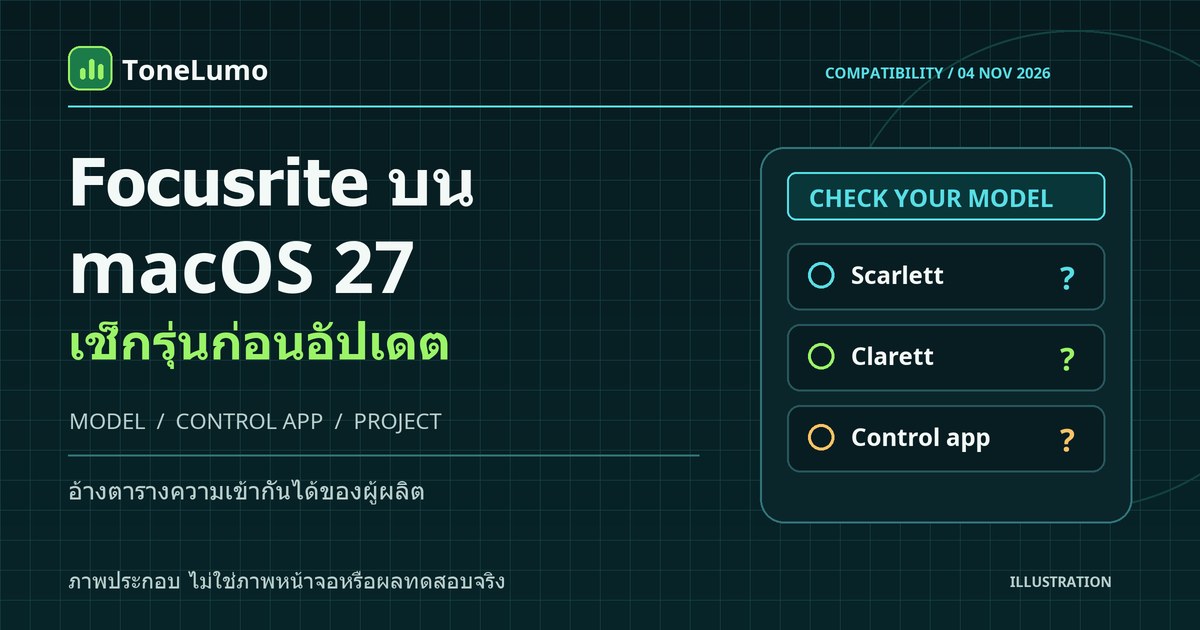
News & updates
Focusrite updated its macOS Golden Gate 27 compatibility table on 1 November 2026. Many Scarlett models are listed as compatible, but Clarett Thunderbolt testing continues and some first-generation Scarlett units lose Mix Control.
Read article →
Tips & setup
A practical session log for the driver, device, sample rate, buffer and monitoring path you used for recording or mixing, without copying a universal number from another setup.
Read article →
Tips & setup
Record your DAW version, plug-in formats and sample-library locations before moving computers, then check one project copy on the new machine without sharing passwords or license keys.
Read article →
Plugins & reviews
Pick one audio task, try the EQ already available in Ableton Live or FL Studio, and compare the same passage before deciding whether another plugin is needed.
Read article →
Tips & setup
If a project opens with silent or missing clips, keep the original, find the source files, relink them in a copy and reopen the copied project before deleting anything.
Read article →
Tips & setup
Ableton Live, FL Studio and REAPER trials work differently. Check what you can save, reopen, export and use before committing a real project.
Read article →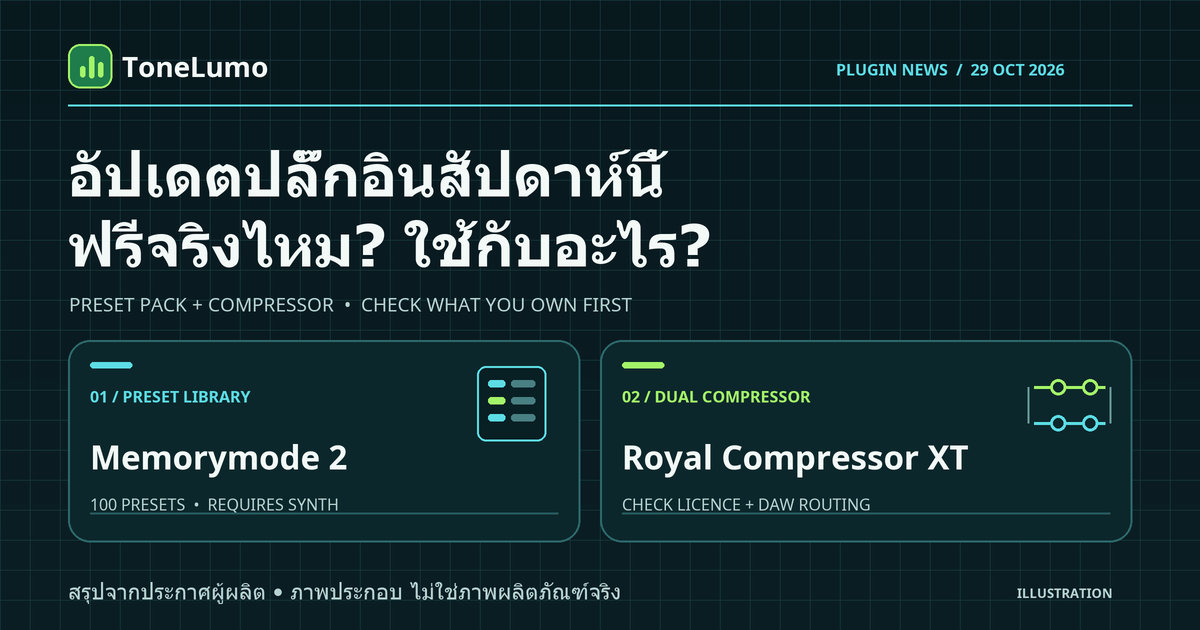
News & updates
Factory II is a free preset pack for Memorymode 2 owners. Royal Compressor XT has an upgrade entitlement and a DAW routing caveat. A source-based look at the 26–27 October announcements.
Read article →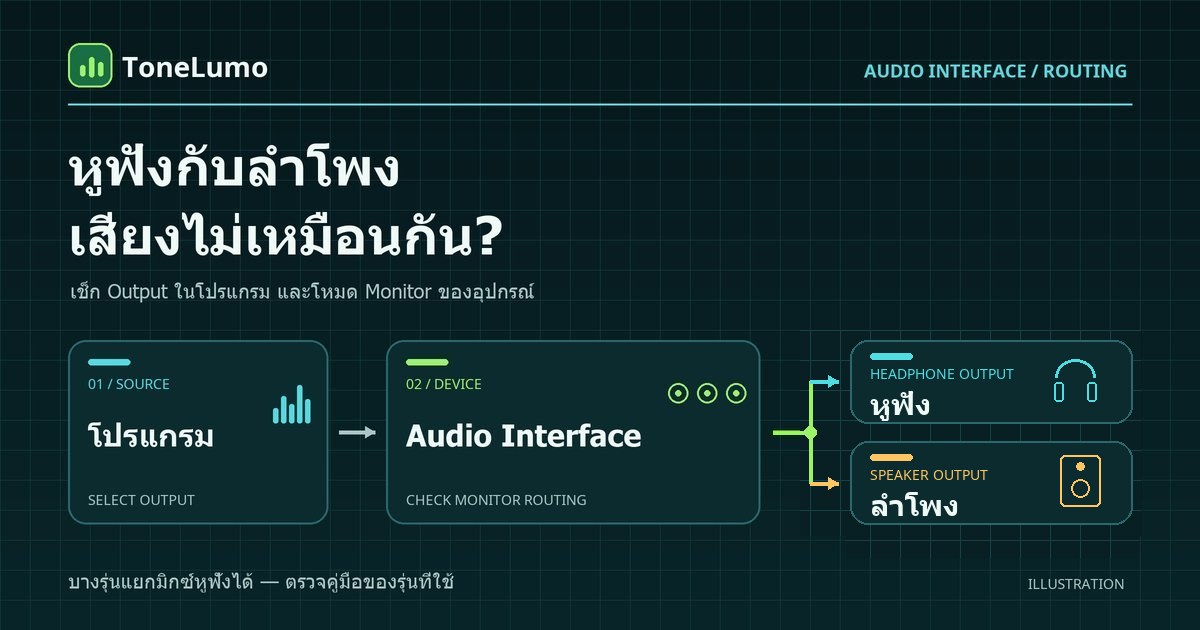
Tips & setup
Before changing your DAW mix, check the interface model, physical outputs and routing. Some interfaces can send different mixes to headphones and speakers.
Read article →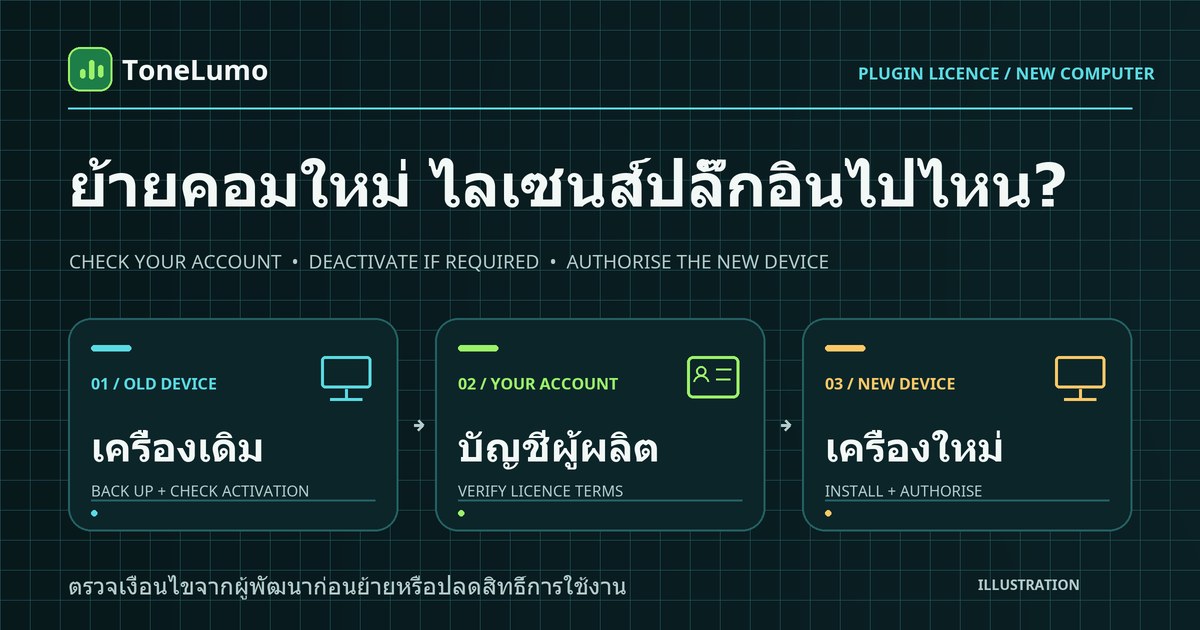
Plugins & reviews
Find the account and activation location before moving a plugin. iLok, Arturia and Native Instruments use different steps; do not assume you need to buy it again.
Read article →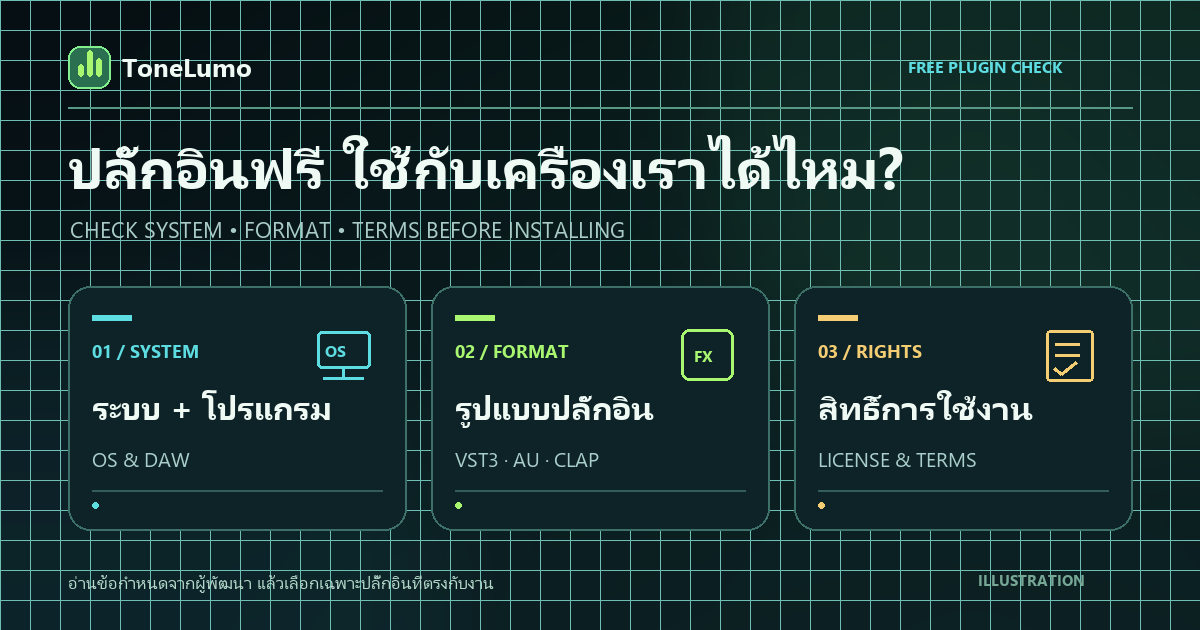
Plugins & reviews
A zero-price plugin may still be a poor fit for your setup. Check the task, OS and plugin format, usage terms, and the official install path first.
Read article →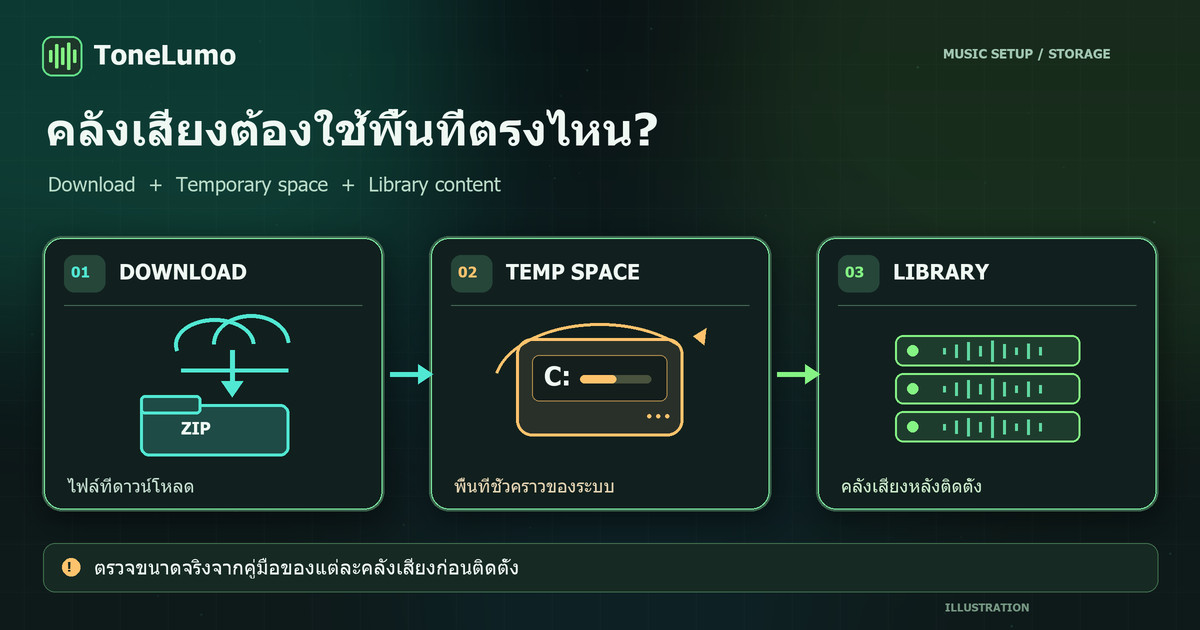
Tips & setup
The download size is only part of the plan. Check the installed library size and temporary system-drive space before you start.
Read article →
Tips & setup
Some MIDI keyboards work as soon as they are connected; others need a manufacturer driver. Check the cable, device detection and DAW input settings before installing extras.
Read article →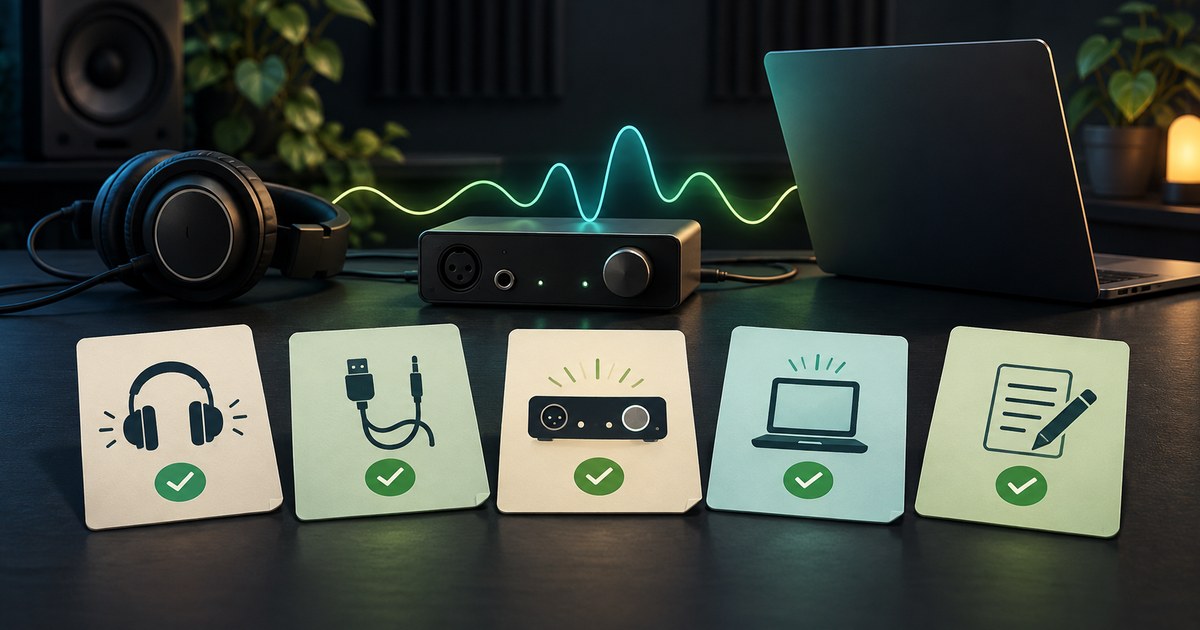
Tips & setup
Five useful details before asking for help: the symptom, software and device versions, steps that trigger it, relevant settings, and what you have tried. Keep passwords and private work out of the first message.
Read article →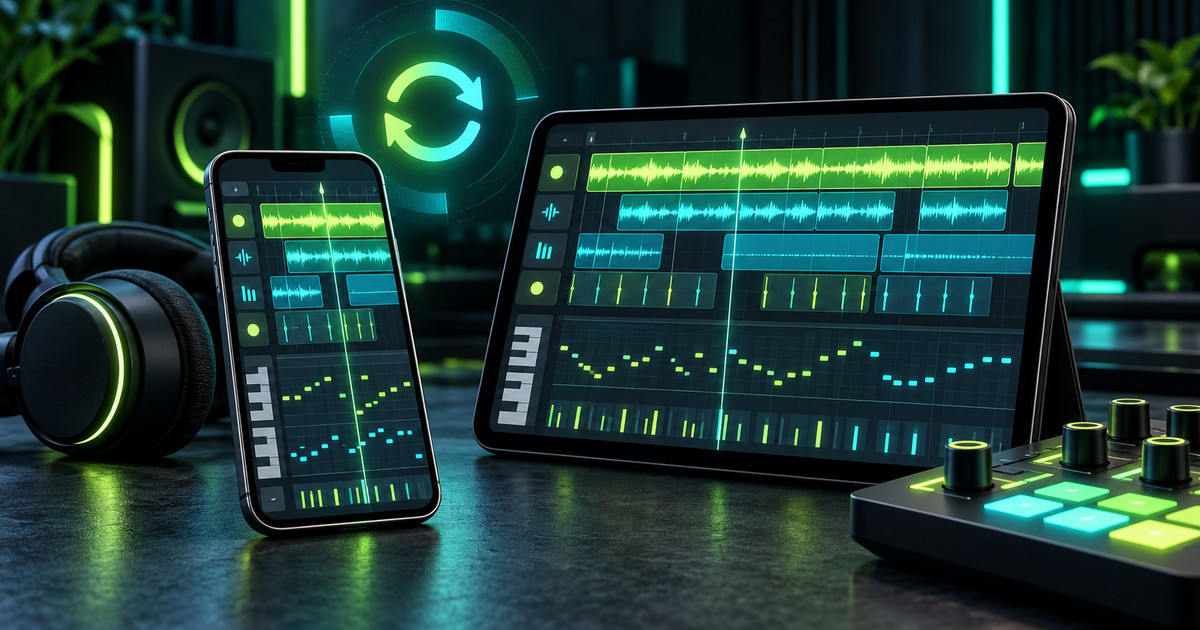
News & updates
Mobile 5 arrived on 13 October and the 5.0.1 patch on 15 October 2026. Here are the useful changes, fixes and a quick project-backup check.
Read article →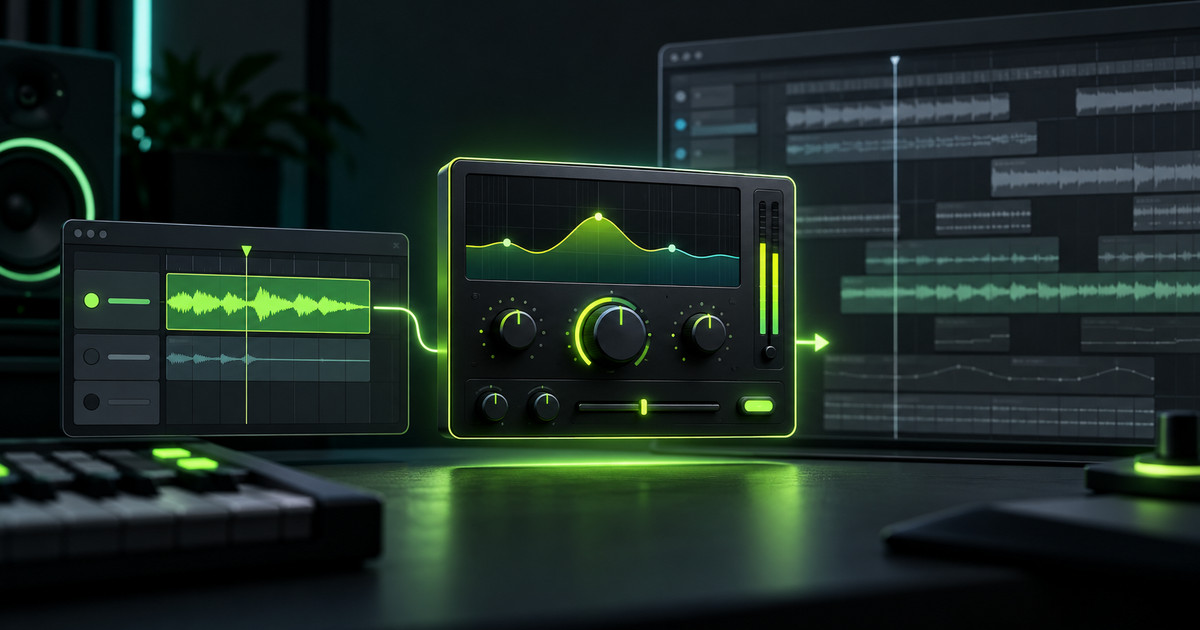
Tips & setup
Try one plugin with a short passage, save and reopen, then compare it in a copy of an existing project. Note when a problem appears before using it in important work.
Read article →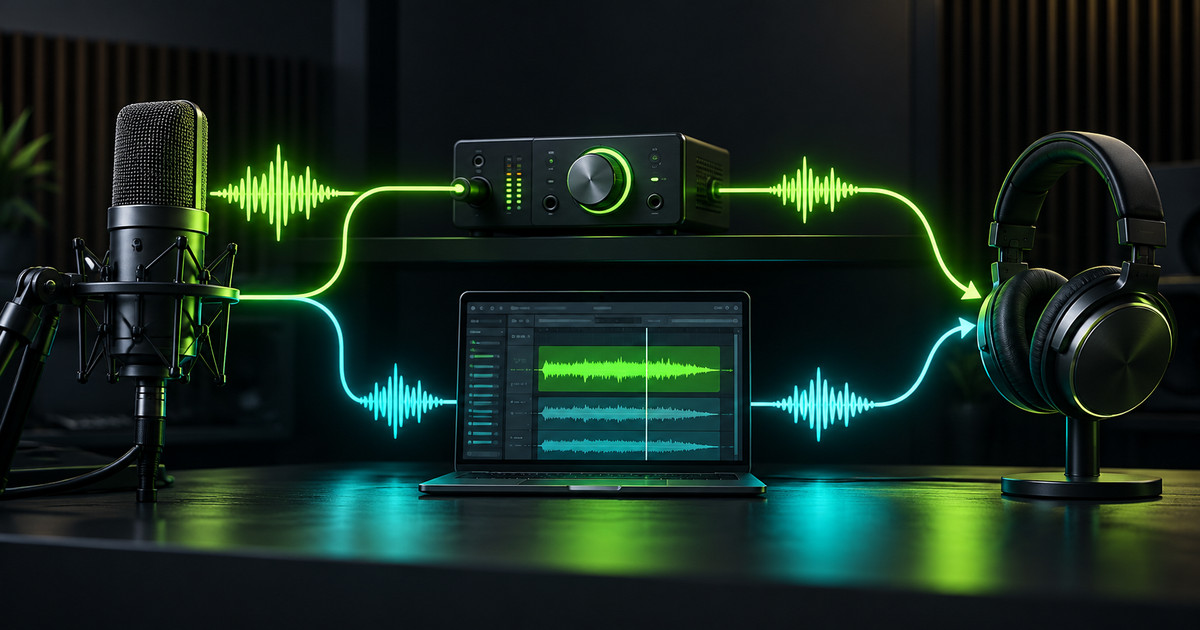
Tips & setup
Your headphones may receive both direct monitoring and the signal returning from your music app. Choose a path for the task, then make a short recording to compare.
Read article →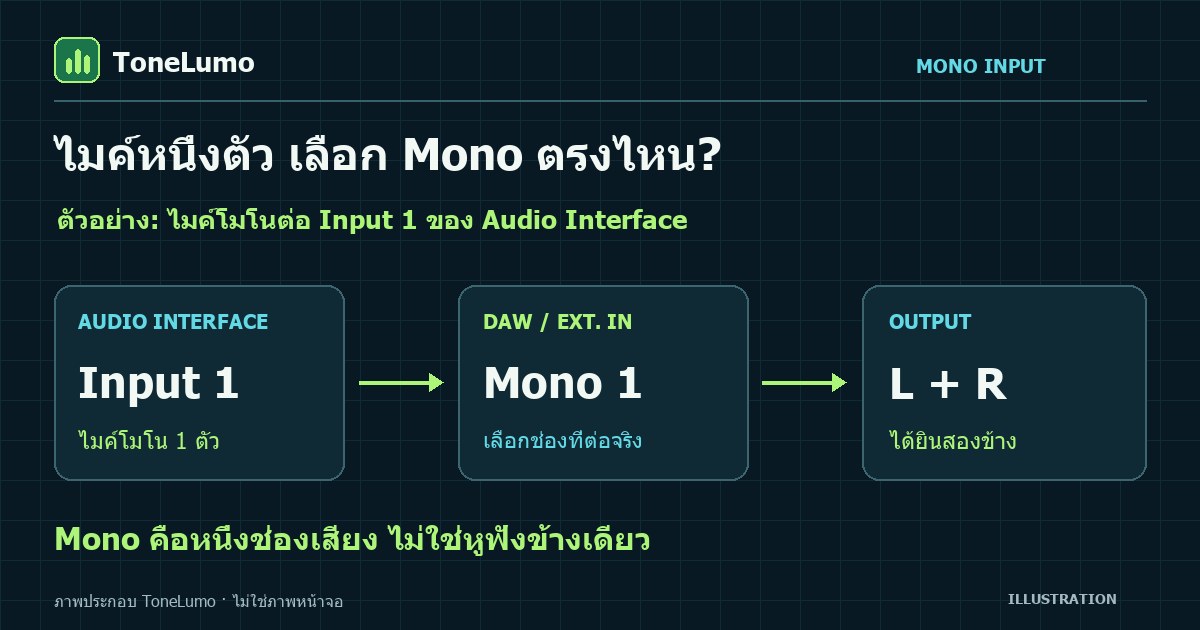
Tips & setup
Separate microphone input from headphone output, select the connected mono channel, and check one-sided audio with Ableton Live examples.
Read article →
Tips & setup
Identify your interface and Windows setup, get the correct manufacturer download, then check which driver your music software actually uses.
Read article →
Tips & setup
Collect project files, note the versions and check a backup before an update. A project file alone may not contain every sound or plugin it needs.
Read article →
Tips & setup
A delayed keyboard response and broken playback are different symptoms. Identify the problem, then change one buffer setting at a time.
Read article →
News & updates
Plugin-related points from Apple’s release notes, dated 29 September 2026, and how to decide whether they are relevant to your setup.
Read article →
Plugins & reviews
What it offers, which installer to choose and what to check yourself. This is a review of official specifications, not a hands-on sound or performance test.
Read article →Free information to support your own work. Our paid service is software selection, installation and setup.