Tips & setup
What to include in a music software support request
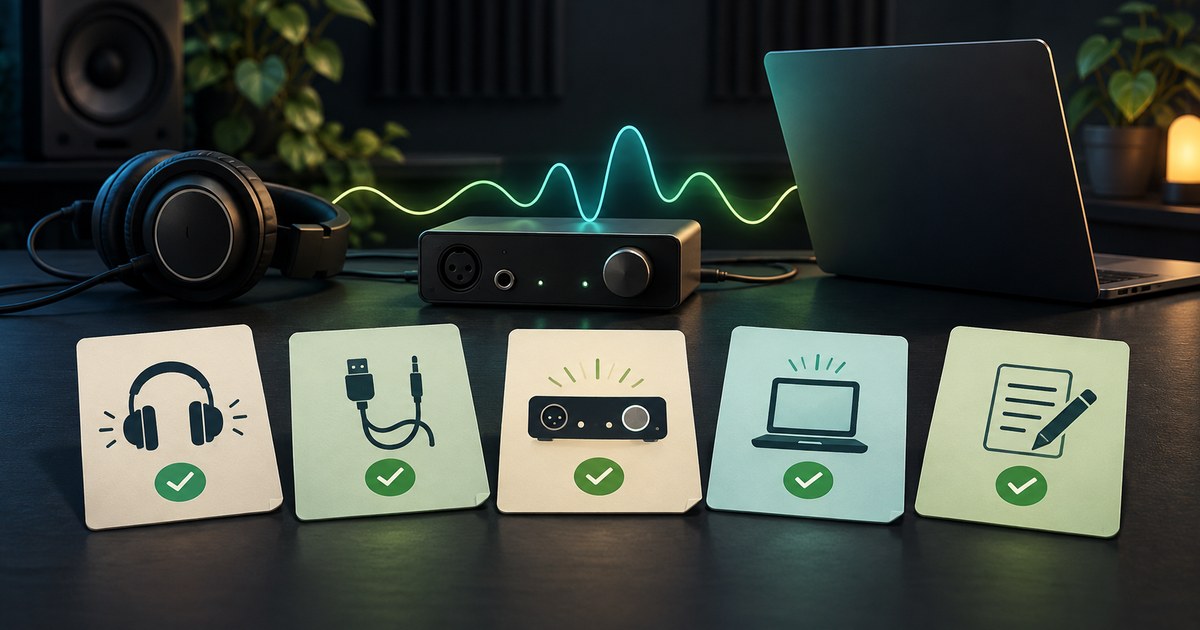
Five useful details before asking for help: the symptom, software and device versions, steps that trigger it, relevant settings, and what you have tried. Keep passwords and private work out of the first message.
Based on manufacturer documentation. Steps may vary by version.
Describe the symptom before guessing the cause
Say what you were trying to do, what happened instead, and which part of your work is affected. “The input meter moves, but the recorded clip is silent” is more useful than “the app is broken.” Ableton asks support users for a clear description and steps already tried; Focusrite's request form asks for issue details and allows attachments.
This checklist helps you prepare for ToneLumo or manufacturer support. It is not a remote diagnosis by itself.
1. The symptom and expected result
In one or two sentences, say what fails, when it started, whether it happens every time, and what you expected to hear or see. Copy the exact error message if there is one, leaving out personal information.
2. Software and device versions
List your DAW and version, any relevant plug-in, operating system, audio-interface or controller model, and driver version if known. Versions matter: Ableton recommends checking compatibility across the app, OS, drivers and plug-ins when investigating crashes.
You do not need to send a password, license key, verification code or payment-card number for an initial assessment.
3. Steps that trigger the problem
Give a short sequence such as open project > select microphone > record > clip is silent. Say whether it also happens in a blank project or only in one session. If you share a screenshot, crop out account details, client filenames and anything unrelated.
4. Settings relevant to this symptom
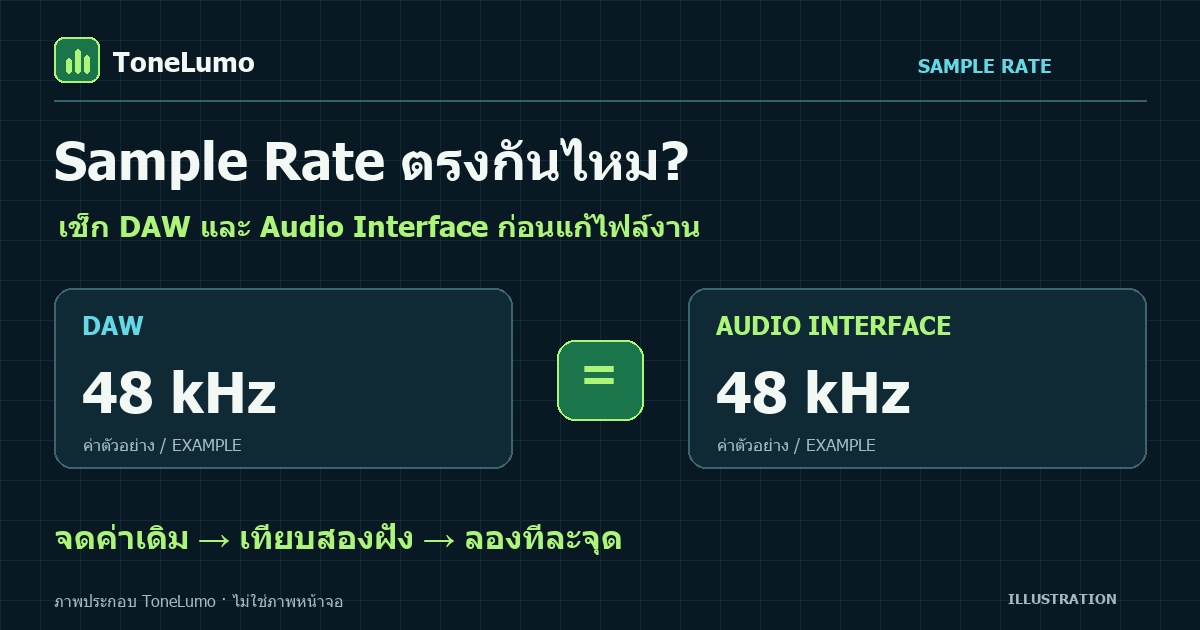
For audio problems, note the input/output device, driver, sample rate and buffer shown in the DAW or interface panel if you can find them. Do not change several settings at once. Focusrite notes that some DAWs can change an interface's sample rate or buffer; specify which window showed your value.
For a missing plug-in or a crash, name the plug-in and the moment it fails instead of sending unrelated audio settings.
5. What you tried and safe evidence
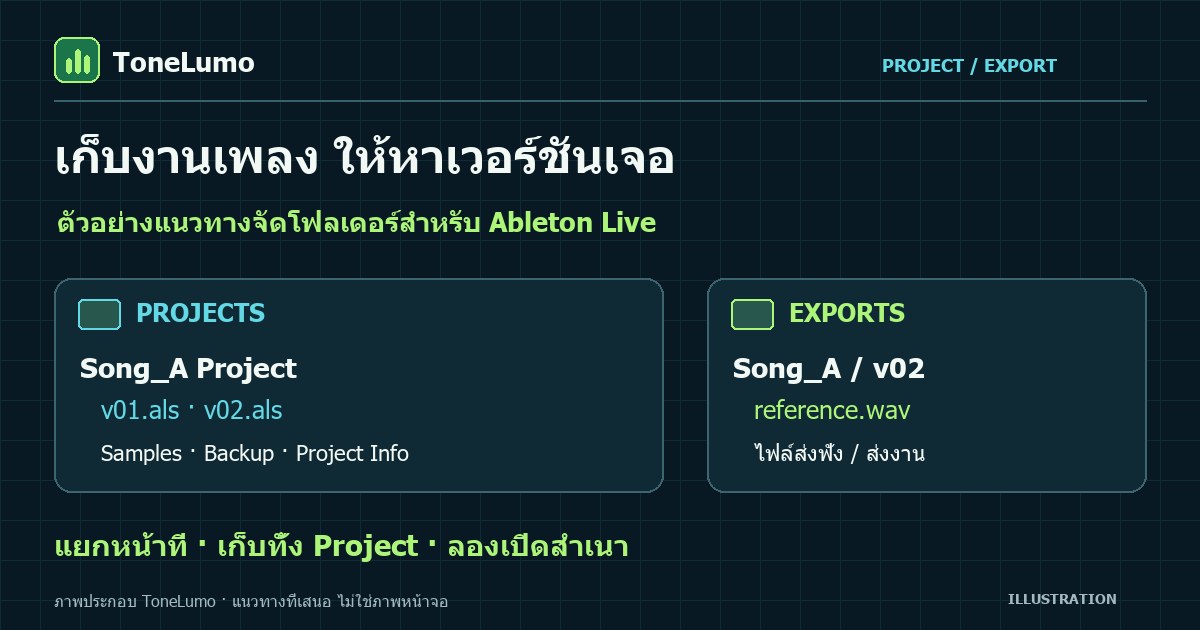
List tests such as restarting, opening a blank project, or trying another cable, port or device, and give the result of each. Save a project copy before someone changes settings. In Ableton Live, Collect All and Save gathers media; plug-ins still need separate installation.
Start with a description and a screenshot with private details removed. Crash and Status Reports can contain setup or project information; inspect them and use the manufacturer's support channel when needed. No song files or passwords are needed in a first LINE message to us.
A message you can copy
“I use [app/version] on [OS] with [interface model]. After [steps], I get [actual symptom] instead of [expected result]. Relevant audio settings: [if known]. I tried [test] and got [result].” Share only relevant details. We can then agree the scope, price and appointment for any remote work.
Sources and check dates
- Ableton — Contacting Support · Checked 2026-10-23
- Ableton — Troubleshooting a crash · Checked 2026-10-23
- Focusrite — How to change sample rate and buffer size in Windows · Checked 2026-10-23
- Ableton — Collect All and Save · Checked 2026-10-23