Tips & setup
Before updating music software, save what you need to keep working
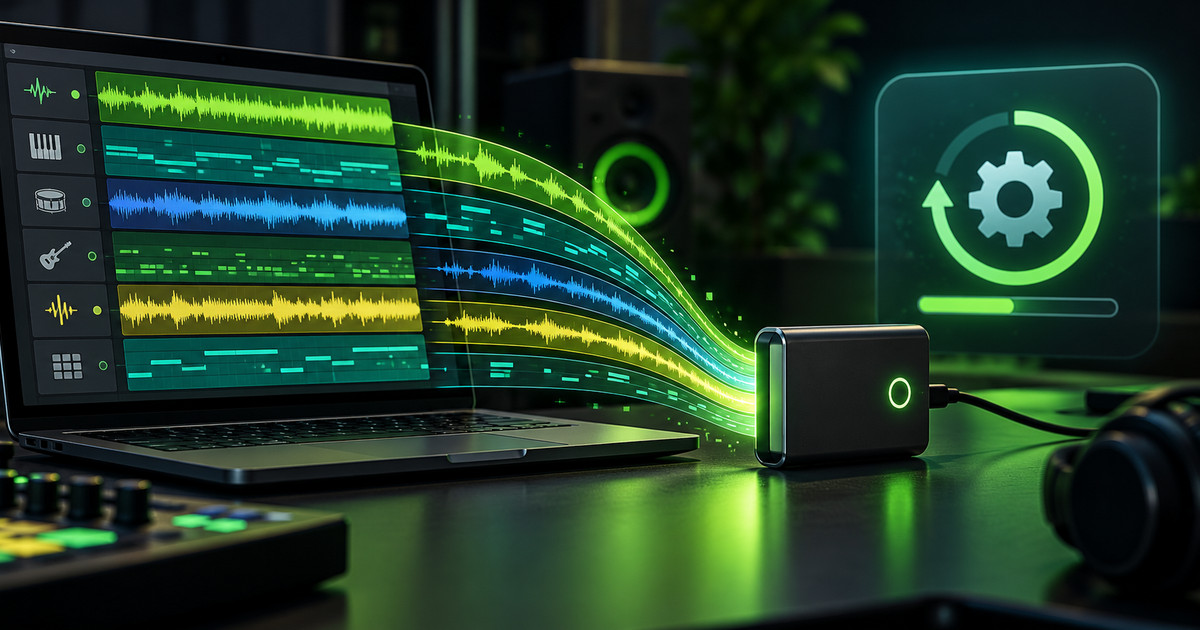
Collect project files, note the versions and check a backup before an update. A project file alone may not contain every sound or plugin it needs.
Based on manufacturer documentation. Steps may vary by version.
One project file may not be the whole project
A project can refer to audio, presets and plugins stored elsewhere. Start with one important song and prepare a copy you can open and inspect.
The aim is to continue the work, not simply to have two files with matching names.
Record the setup that works now
- Note the app, operating-system and required plugin versions.
- Keep screenshots of audio settings and storage locations, with passwords and licence keys hidden.
- Name the project copy clearly, for example SongName-before-update-2026-10-16.
- Save a listening reference so you can compare the result after a change.
Use the app’s file-collection tools
In Ableton Live, Collect All and Save gathers referenced content into the project folder, but does not collect third-party plugins. Another computer still needs compatible installations and licences, or prepared audio tracks.
For Logic Pro, Apple recommends consolidating project assets and backing up both projects and the current app before updating. Follow the linked instructions for your version.
Check the copy before relying on it
Keep a separate copy on storage you already have with enough space. Open it and check key sounds, missing-file warnings and the song’s duration. One successful opening is a useful check, not proof that every asset is complete.
Keep the original untouched until you finish checking. An app backup alone may not restore the whole computer after an operating-system upgrade.
Check compatibility before scheduling an update
Read the relevant software, plugin and interface manufacturers’ compatibility information. Leave time to test before a delivery deadline.
For help preparing a machine or moving music software, send ToneLumo your software list and device models. We agree the work and price before a remote appointment.
Sources and check dates
- Apple — Back up Logic Pro for Mac · Checked 2026-10-16
- Ableton — Transferring Projects to another computer · Checked 2026-10-16
- Apple — If Logic Pro for Mac does not work after an update · Checked 2026-10-16