Tips & setup
Try a new plugin in a small project first
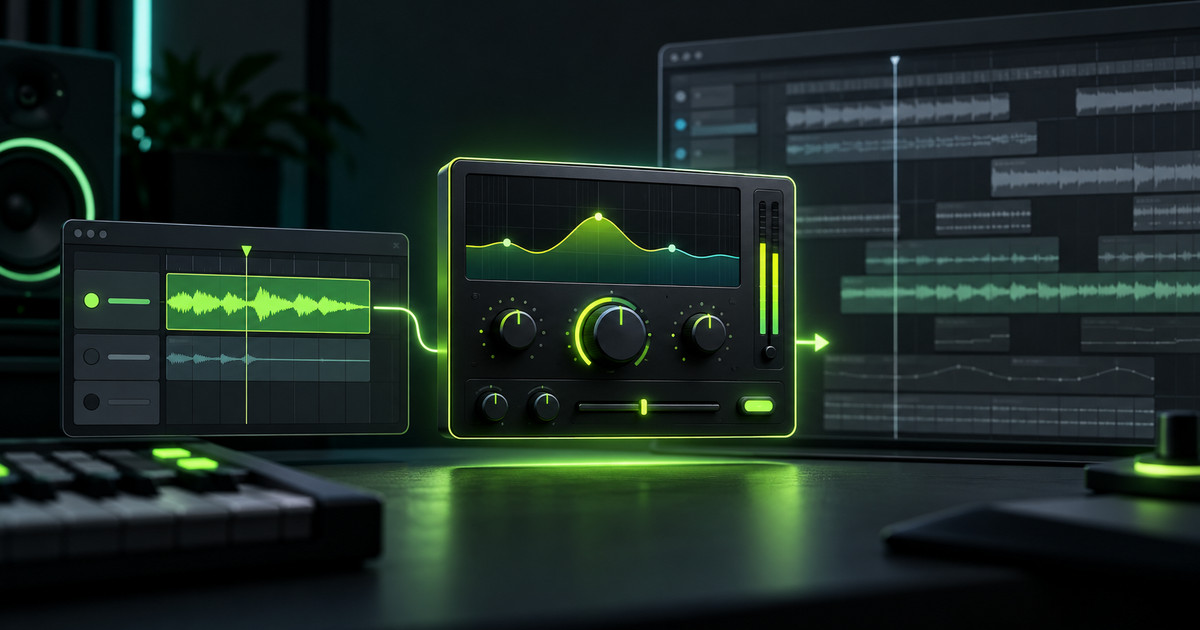
Try one plugin with a short passage, save and reopen, then compare it in a copy of an existing project. Note when a problem appears before using it in important work.
Based on manufacturer documentation. Steps may vary by version.
Start with a simple project
Once a new plugin appears in your music app, try it in a small project before adding it to important work. Ableton recommends isolating a suspected plugin in an otherwise empty Set. Apple recommends trying to reproduce an issue in a new Logic Pro project.
We suggest using this troubleshooting approach as an initial check. The result helps you decide what to investigate next; it does not establish compatibility with every project.
Use one plugin and a short passage
- Create a new project and check that no other third-party plugins came from its template. In Ableton Live, a new Set can load instruments and effects saved in the default configuration.
- Add one instance of the plugin. Use a short MIDI phrase for an instrument or a short audio file for an audio effect.
- Choose one preset, play the passage and change one setting you can easily recognise. Note whether the window opens, how playback sounds and any error messages.
Save, close and reopen
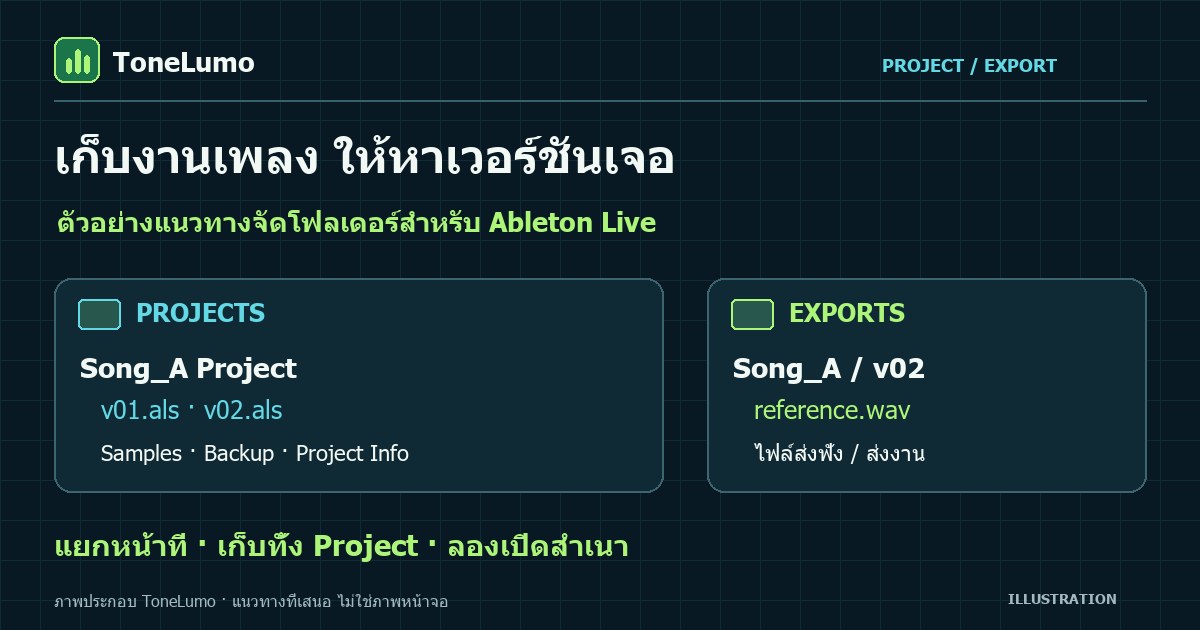
Save the test project under a separate name, such as PluginName-test. Close the project and reopen the saved file. Play the same passage and check that the plugin loads and the setting you changed is still there.
In Ableton Live 12, use File > Save Live Set, then Open Live Set to reopen it. Use Save Live Set As for a new name. Other apps and versions may use different menu names.
Compare it in a copy of existing work
If the small project plays and reopens, save an existing project under a new name before adding the plugin. Check that the copy is open. Try the same plugin version, format and preset on the intended track. Change one thing at a time and replay the same passage for an easier comparison.
If the issue appears only in the existing project, note the differences between the projects. That does not prove the project is damaged or the plugin is faultless. If it also happens in the small project, keep the steps that reproduce it for the developer.
Record what happened
Send these details to ToneLumo for an assessment of installation or troubleshooting work. We agree the scope and price before a remote appointment.
- App, plugin and operating-system versions, plus the plugin format, such as VST3 or AU.
- Whether the issue appears when adding the plugin, playing, changing presets or reopening the saved project.
- A screenshot of the error with private information and licence keys hidden.
Sources and check dates
- Ableton — Plug-ins Tips and Troubleshooting · Checked 2026-10-21
- Ableton — Default Set and Template Sets · Checked 2026-10-21
- Ableton Live 12 — Managing Files and Sets · Checked 2026-10-21
- Apple — If Logic Pro for Mac isn't working · Checked 2026-10-21