Tips & setup
Open an Older DAW Project Before Updating: What Can You Check?
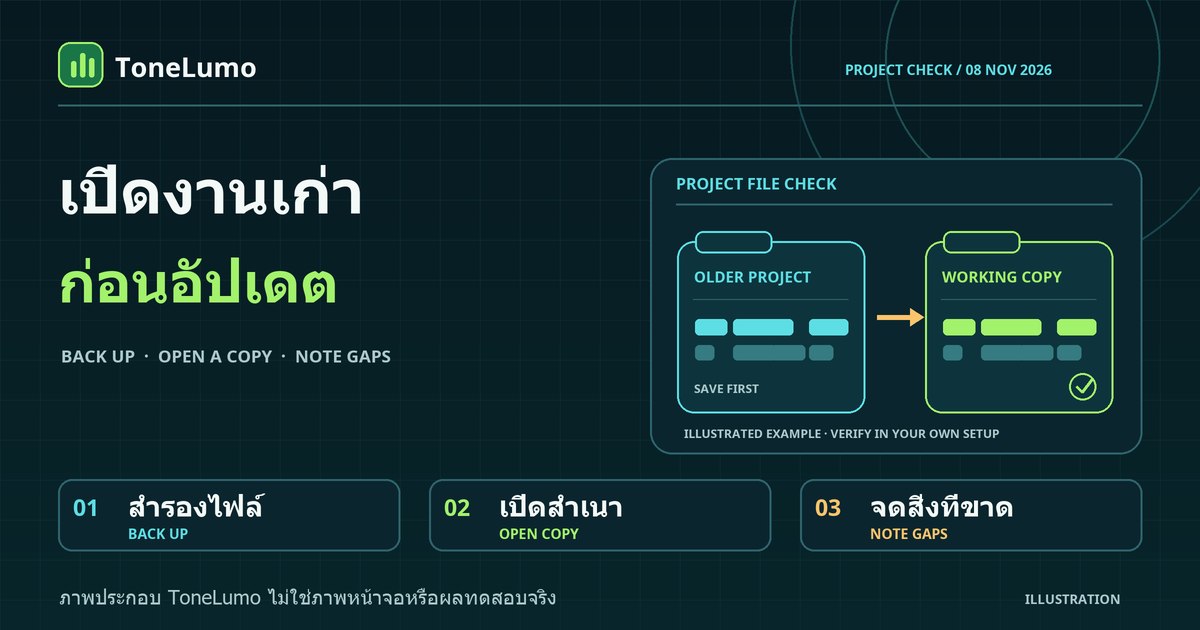
Use a familiar project copy as a before-and-after reference for media, plug-ins, playback, saving and export without overwriting the original.
Based on manufacturer documentation. Steps may vary by version.
An older project is a reference, not a compatibility certificate
Opening a familiar project before an update establishes what it sounded like and how it was configured. You can compare a copy after updating. One successful project cannot prove that every DAW function, plug-in or audio interface will work across all projects and systems; check each developer's compatibility requirements as well.
Use a small project you own, or an example with no customer data, that already opens correctly. It should contain the parts you use in practice, such as an externally referenced audio file, a MIDI track, one third-party plug-in and automation if relevant.
Before updating, record a result you can repeat
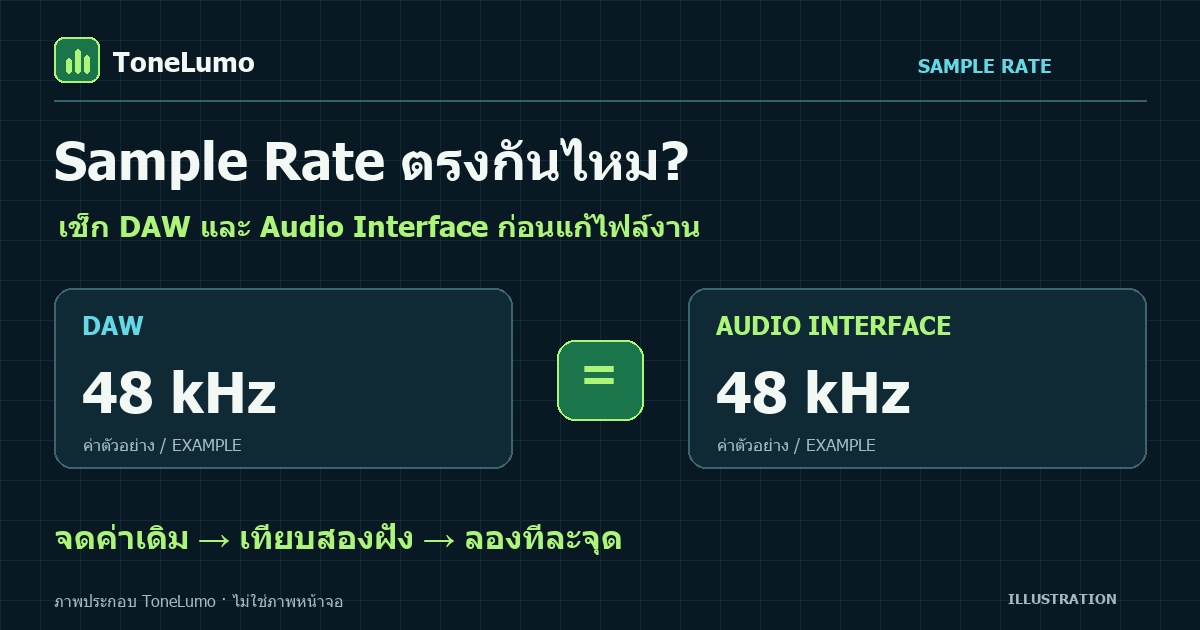
Write down the DAW and OS versions, the interface and driver, and the format and version of plug-ins this project calls. Note the project name, a short time range and the monitoring route used for comparison. Passwords and license keys do not belong in this checklist.
Listen at the beginning, middle and a passage with a plug-in or automation. Export a short listening reference of the same range and note its settings. The Live 12 manual exposes Render Start and Render Length for this purpose. A reference file helps you compare after changing versions, but an audible difference still needs diagnosis; it is not proof that the DAW alone caused it.
- Note whether the project opens cleanly or already warns about missing media or plug-ins.
- Listen to the same passage through the same device and output path; record any pre-existing problem.
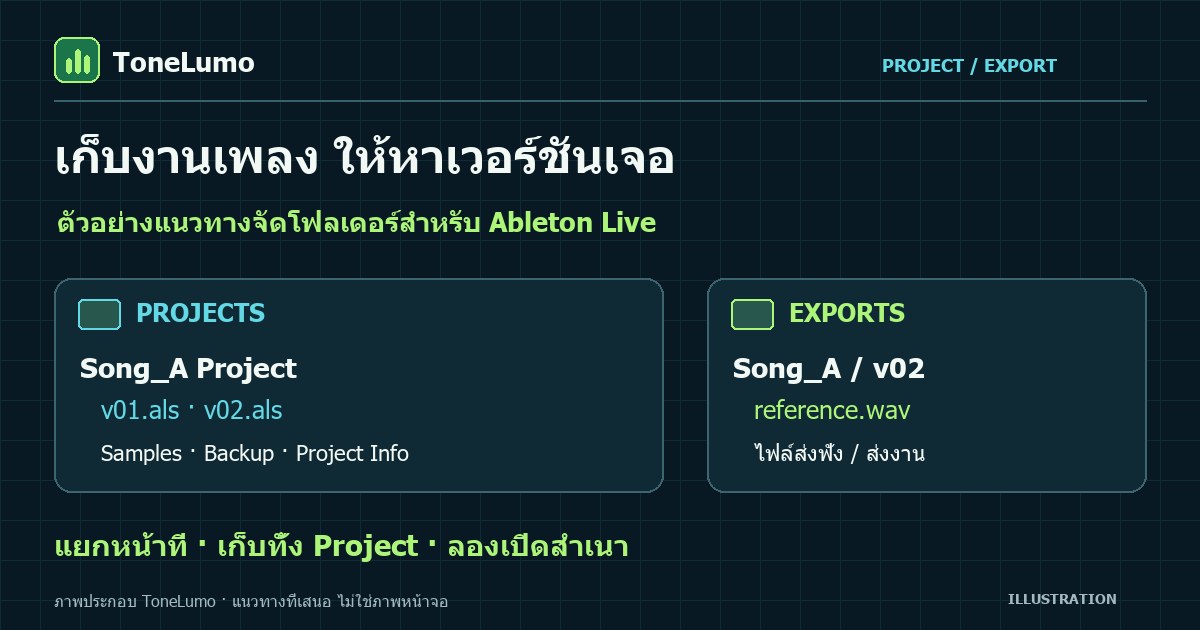
- Keep a separate project and media copy. In Live, Collect All and Save can gather selected media, but it cannot bundle third-party plug-ins.
After updating, compare the same points in a copy
Review the new version's DAW, plug-in and driver support statements before changing the system. Then open the copy rather than the original. Compare warnings with your baseline, play the marked range and check the samples, libraries, plug-ins, presets and automation that this project actually uses.
Export the same range with the same file type and settings, then open the resulting file to check that audio and expected length are present. Seeing tracks on screen or playing once is not enough to show that an export works. This is a ToneLumo checklist based on vendor guidance, not a claimed hands-on test of a customer's DAW or device.
Save under a new name, close, and reopen the test file
In Ableton Live, saving a Set in a newer version prevents that file from opening in the older version, including some point releases. Ableton therefore prompts you to Save As with a new name. Keep the original untouched. After saving the copy, close it and reopen the new file to see whether the plug-ins and settings you need return.
The copy command differs by DAW. Cubase Pro 15, for example, has File > Back up Project, which creates a new folder without changing the original. Copy-protected VST Sound content is not included in that backup. Follow the manual for your own version rather than treating one host's menu as universal.
Record pass, investigate, or pause for important work
If Live reports missing media, use its File Manager and the vendor's search procedure. If opening a Set crashes, check plug-in and device compatibility before repeatedly reinstalling. Do not assume that a different plug-in format with the same product name restores the old project's settings.
- Pass: the copy opens without new warnings, plays the chosen range, produces a file you can open, and retains needed settings after save, close and reopen.
- Investigate: a new warning appears or the sound differs from the reference. Record the track, time and message before changing more settings.
- Pause important work on this updated copy: key media or plug-ins are missing, the host crashes, or export is unusable. Keep the original and older working version while you find the cause.
Ask ToneLumo to plan the checks
Share the DAW and OS versions, audio interface model and a warning list with private details removed over LINE. We can compare vendor requirements and plan checks on a project copy. You do not need to send a customer's song file or passwords to ask. We agree the remote-work scope and price before starting, and you purchase or activate software in your own account.
Sources and check dates
- Ableton — Updating Live · Checked 2026-11-08
- Ableton — Backward Compatibility · Checked 2026-11-08
- Ableton — Collect All and Save · Checked 2026-11-08
- Ableton Live 12 Manual — Managing Files and Sets · Checked 2026-11-08
- Ableton — How to find and replace missing media files · Checked 2026-11-08
- Steinberg Cubase Pro 15 — Backing up Projects · Checked 2026-11-08