Plugins & reviews
Surge XT: is this free synth worth trying?
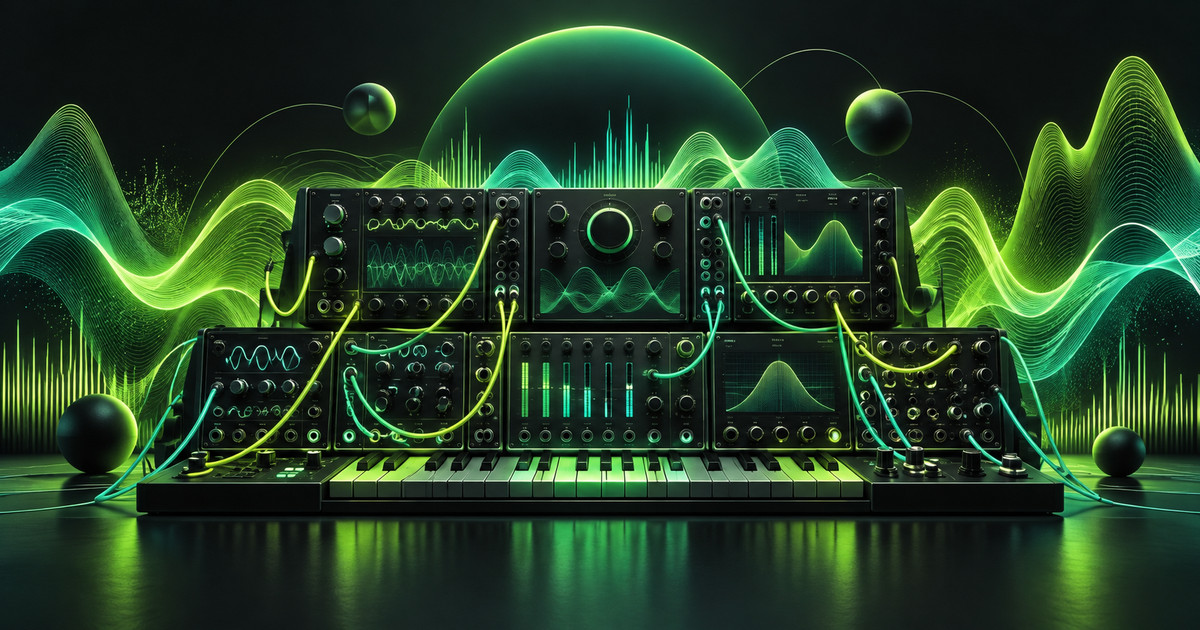
What it offers, which installer to choose and what to check yourself. This is a review of official specifications, not a hands-on sound or performance test.
Specification review based on manufacturer documentation; not a hands-on test.
Who might find it useful?
Surge XT is a free, open-source synthesizer with presets, several synthesis methods and built-in effects. It is an option for adding synth sounds without buying a software licence.
This review is based on the developer’s specifications and manual. We have not tested its sound or performance on our own machine, so we do not rate it against paid products or promise a particular CPU load.
Useful features to explore
Our suggestion: choose one preset and record a short idea before exploring every control. More options help when you know what you want to change.
- A category-based preset browser with search.
- Two sound-generation scenes in a patch, allowing layered or split sounds.
- Standalone applications and plugin formats, with availability depending on the operating system.
Choose an installer that fits your setup
At our check on 16 October 2026, the download page listed 1.3.4 as the stable release. Windows, macOS and Linux downloads are offered. Start with the stable build and confirm that your music app supports one of the formats provided for your system.
The Mac package is Universal for Intel and Apple Silicon. Check the operating-system requirements and your app’s plugin support as well.
Can you release music made with it?
The official FAQ permits releasing and selling sounds made with Surge XT, including sounds using its factory presets. Check separate licences for any third-party samples or presets you import.
A practical trial on your computer
The developer’s download is free. If you want ToneLumo to install and check it, our support fee is separate from the software and agreed before work begins.
- Pick three sound types you need, such as bass, lead and pad.
- Try them in your own project and watch how the computer responds.
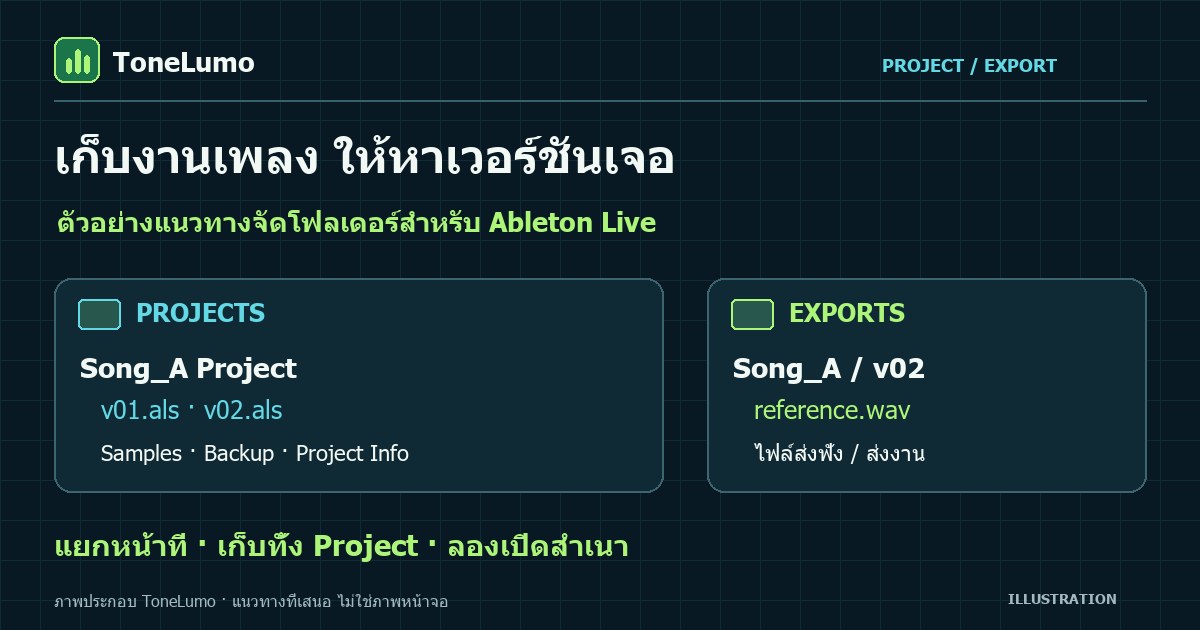
- Save, close and reopen a project copy to check that the sounds return.
- If your existing instruments already do the job, adding another plugin is optional.
Sources and check dates
- Surge XT — Official product information · Checked 2026-10-16
- Surge XT — Stable downloads · Checked 2026-10-16
- Surge XT — Frequently asked questions · Checked 2026-10-16
- Surge XT — User manual · Checked 2026-10-16