Tips & setup
What to agree before handing off audio files

Before sending music for mixing, editing or approval, agree on the deliverables, common time range, file format, processing and version names. Then inspect the actual exports before sharing them.
Based on manufacturer documentation. Steps may vary by version.
Ask what the recipient will do with the files
‘Send the song’ could mean a stereo file for listening and feedback, separate audio tracks for mixing, or an editable project. Ask what the recipient will do, which software they use and exactly which files they need. Do not send an entire project folder or private work just because the request is unclear.
Write a short deliverables list, such as ‘one stereo reference mix and twelve separate audio tracks for mixing’. If a project is needed, confirm that the recipient can open its version, plug-ins and referenced media. Rendered audio and a DAW project are different deliverables; neither replaces the other for every task.
Agree on a shared start, end and audio tails
For tracks that will be stacked together, agree on one start point and one export range, even if some instruments enter late or stop early. This lets the recipient place all files at the same position. The Ableton Live manual says its individual-track export produces files of equal length and provides Render Start and Render Length controls.
Ask whether to retain silence before the music, a count-in and the sound after the last note. Reverb, delay and instrument release can extend beyond the final note. Logic Pro documents an Include Audio Tail option for track export. Check how the DAW in use handles tails instead of assuming every app includes them automatically.
Let the recipient specify format and digital settings
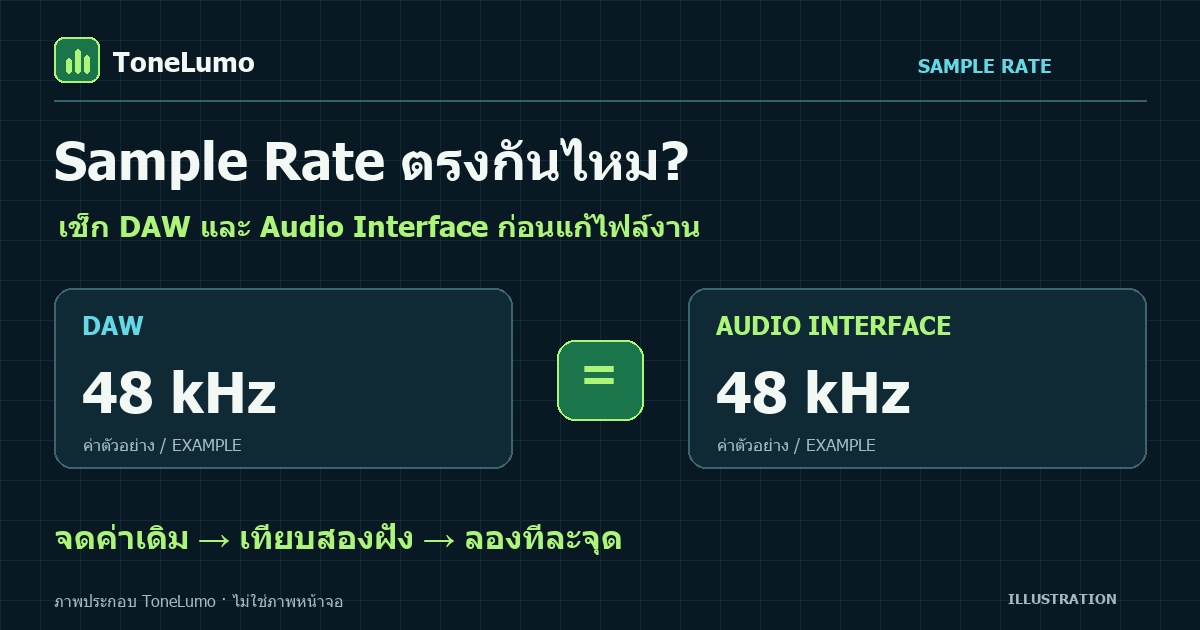
Ask which file type, such as WAV, AIFF or FLAC, and which sample rate, bit depth and channel layout their next step accepts. Record these settings with the deliverables. Cubase's Export Audio Mixdown dialog exposes File Type, Sample Rate, Bit Depth and channel mode separately. There is no single numeric setting for every recipient and workflow. Raising a number without knowing the requirement does not by itself improve the handoff.
MP3 can be convenient for a listening reference, but do not assume it is interchangeable with time-aligned multitrack files. Ableton notes that MP3s exported from Live gain a small amount of silence at the beginning, which may cause timing issues in another DAW. When several files must align, confirm the recipient's requested format and test the imported timing.
Name the song, track and version clearly
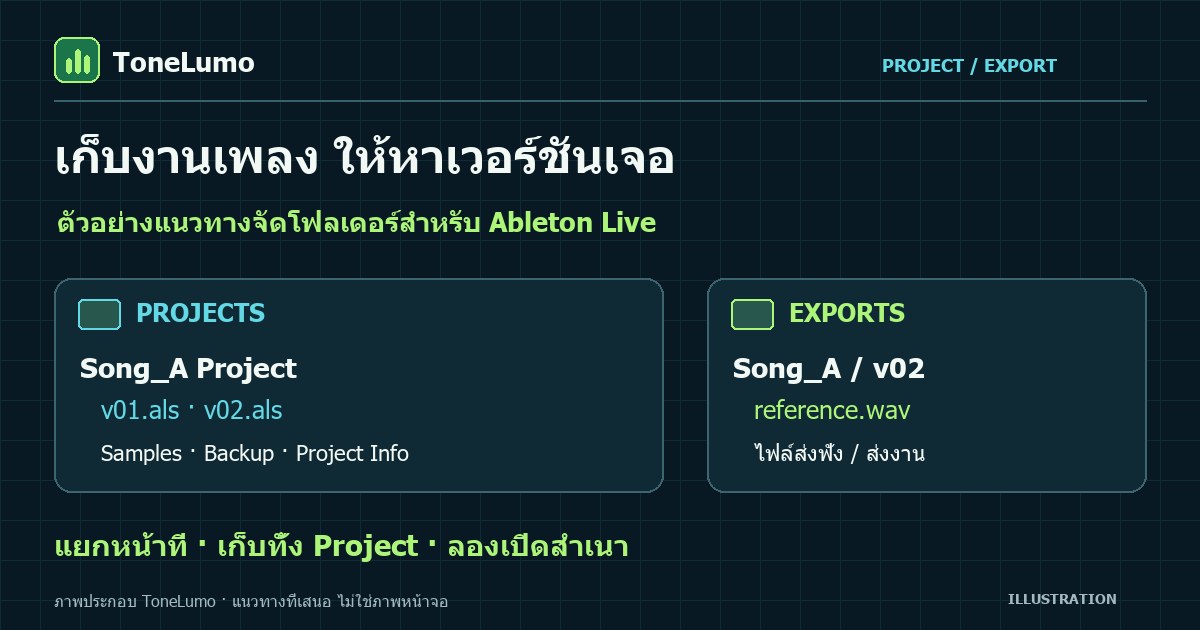
Use one naming pattern across the package, for example song_v03_drums.wav, song_v03_bass.wav and song_v03_reference.wav, replacing ‘song’ with the agreed project name. Mark revisions so a new export cannot be mistaken for an older mix. Keep the listening reference distinct from the tracks intended for further work.
If you provide both processed and unprocessed sets, use clearly named folders or agreed labels. Cubase and Logic Pro include export naming controls, but the final check is the destination folder: someone should be able to understand each filename without looking inside your DAW project.
Agree which effects and automation are printed
Ask whether the recipient wants the sound as heard in your mix or tracks they can process further. Specify reverb, delay, level and pan automation, bus processing and any limiter on the master. Terms such as ‘dry’ and ‘stems’ can be interpreted differently, so state the intended tracks and processing in writing.
DAWs expose different export choices. Logic Pro offers options to bypass effect plug-ins and to perform volume/pan automation during export. Ableton Live describes Main and individual-track output as separate render choices. Listen to the resulting files rather than assuming every export will match what the mixer view appeared to show.
Inspect the delivery package after export
Count files against the agreed list, inspect names, extensions and settings, then listen near the beginning, middle and end, especially where an effect tail might be cut. For multitrack files, try placing the exports in an empty project at a shared start to check length and alignment. A completed export progress bar alone does not prove that every file is usable.
Include a short note with the song and version, date, file list, time range, format and settings, processing status, unresolved questions and a way to report problems. If the recipient finds a missing or unreadable file, this makes it easier to correct that item without guessing which package is current.
Planning the handoff with ToneLumo
Send the DAW name, the recipient's goal and any file specifications they supplied through LINE; you need not send private audio or a project in advance. ToneLumo can help plan software choices and a working setup, including which export steps to check. We agree the remote-work scope and price before starting, while you purchase and use software through your own account.
Sources and check dates
- Ableton Live 12 Manual — Managing Files and Sets, Exporting Audio and Video · Checked 2026-11-06
- Steinberg Cubase Pro 15 — Export Audio Mixdown Dialog · Checked 2026-11-06
- Apple Support — Export tracks as audio files in Logic Pro · Checked 2026-11-06