Tips & setup
What to check after a remote support session
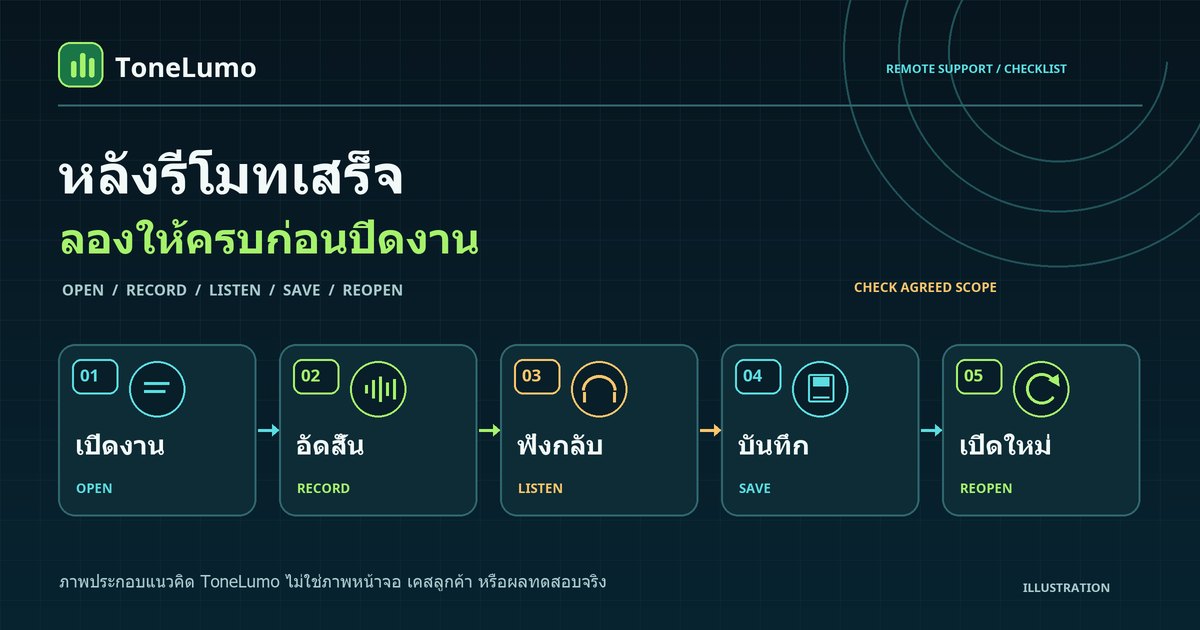
Accept agreed remote work with a short check: open a project, record and play back when relevant, save, reopen and note what was not checked without extending the service promise.
Based on manufacturer documentation. Steps may vary by version.
Start with the agreed scope
Before ending a remote session, revisit the work that was agreed: for example, software installation, audio-device selection, or a specific project-opening problem. Write down a few acceptance checks with the actual DAW version, operating system and device. Keep requests outside that scope separate. A settings window opening by itself does not prove the whole job is done.
This checklist is guidance for checking a handoff, not a report that ToneLumo tested any customer's machine or project. A real check uses only the computer and files the owner authorizes, within a scope and price agreed before work starts.
1. Open the work and check what it needs
Open a test project or an authorized copy. Check that the program starts, the selected audio device and relevant routing match the task, and no required media or plug-in warning appears. If the session covered installation only, check only that agreed part. There is no need to open private customer work to make the verification look broader.
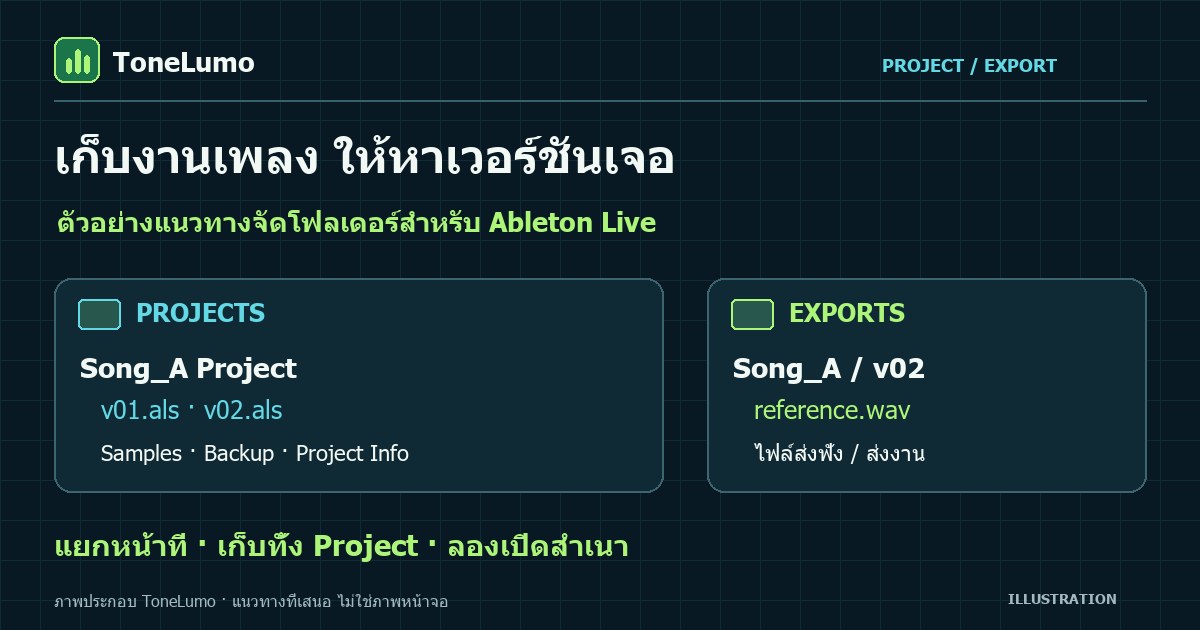
If a project must move to another computer, check its media separately. Ableton says a normal Save or Save As stores references to files in a Live Set and recommends Collect All and Save for transfer. That does not copy plug-ins into the Project folder; those need separate installation. One project file is therefore not a universal transfer test.
- The agreed program and version launch.
- The audio device and routes relevant to the task are selected.
- The authorized test project shows no missing-media or plug-in warning for items it needs.
2. Make a short recording and listen back if recording was included
If the scope included an input or recording setup, use a brief non-sensitive test sound. Select the actual input, check its level, record, then play the new recording and listen for the intended signal and output route. Ableton's recording guide explains choosing a track's Audio From input, arming the track and checking levels. Use the manual for the exact DAW and version on the customer's machine.
A short take confirms only the route checked at that moment. It does not prove that every plug-in, large project or long session will be trouble-free. If input or microphone use was not authorized, mark the check as not performed. There is no need to record real customer audio to create evidence.
3. Save, close and reopen
Save under a new name or as a copy first so the original survives. FL Studio's File menu distinguishes Save, which overwrites the current file, from Save As and Save New Version. Close and reopen the copy, then check the settings and files that were in the agreed scope.
Account for edition and license limits before treating reopening as an acceptance test. Image-Line says the standard FL Studio trial can save a project but cannot reopen it. Record that actual limit instead of calling the work broken or promising the project will reopen. For a transferred Live Set, check media and plug-ins separately using Ableton's guidance.
4. Check an exported file only if it was part of the job
If an audio export was agreed, make a short file in the agreed format, open it in an audio player and listen to the relevant beginning, middle and end. Keep the audio export distinct from the editable project. Image-Line describes Export as creating audio or MIDI files, while Save retains the project for later editing. One playable export does not establish that the project reopens for editing.
Record the filename, storage location and what was actually heard. If mixing, mastering or commercial delivery was outside the scope, a short file playing does not certify the quality of a complete production.
5. Record the outcome and the next step
Group the result into passed under the conditions checked, reproducible issue, and not checked. Note the DAW version, device, test project and deliverable file only as needed. Do not retain passwords, license keys or unnecessary private material. The customer keeps their own software purchase account and license.
If follow-up work is needed, agree its scope and price before another session. ToneLumo helps select software, has the customer buy it through their own account, and installs it for use within the agreed remote scope. We do not claim brand representative status without written approval, and this checklist cannot guarantee that every symptom will disappear.
- Passed: state the test and conditions.
- Issue: note a repeatable step or redacted warning.
- Not checked: state why and what would need a separate agreement.
Sources and check dates
- Ableton — Recording Audio · Checked 2026-11-14
- Ableton — Collect All and Save · Checked 2026-11-14
- Image-Line — File Menu · Checked 2026-11-14
- Image-Line — Export Project Dialog · Checked 2026-11-14
- Image-Line — FL Studio product FAQ · Checked 2026-11-14