News & updates
Focusrite on macOS 27: check your model before updating
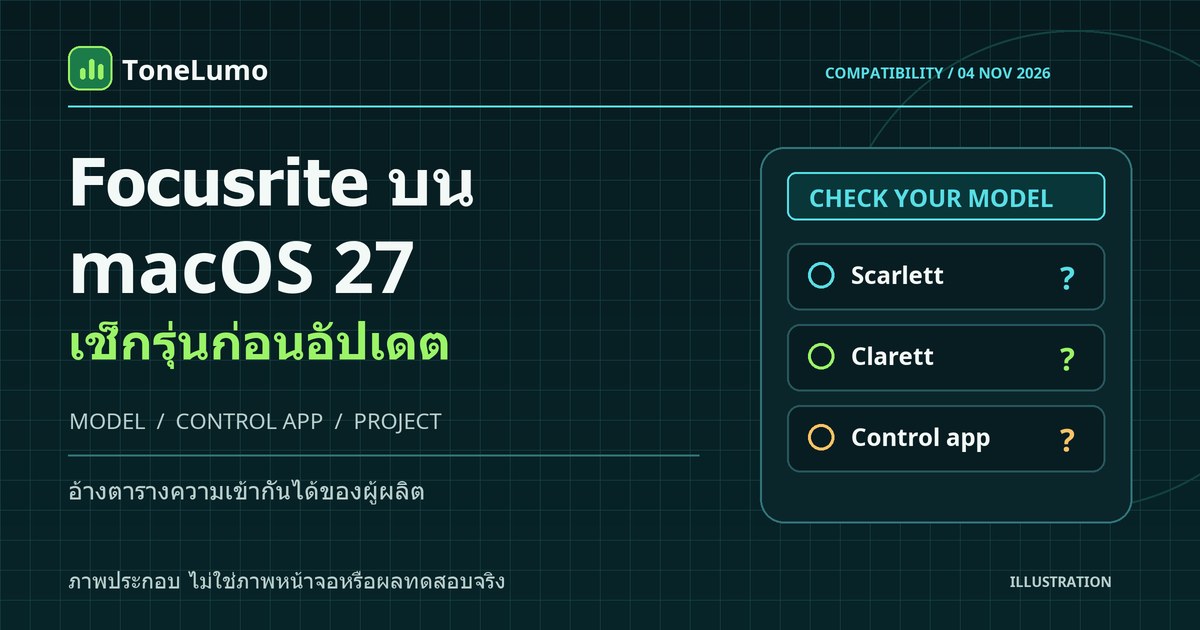
Focusrite updated its macOS Golden Gate 27 compatibility table on 1 November 2026. Many Scarlett models are listed as compatible, but Clarett Thunderbolt testing continues and some first-generation Scarlett units lose Mix Control.
What Focusrite updated on 1 November
Focusrite updated its macOS compatibility page on 1 November 2026, including a table for macOS Golden Gate 27. The notes below are based on the manufacturer's table checked again on 4 November 2026. They are not a ToneLumo hands-on hardware test and do not establish compatibility for every DAW, plug-in or other device in your setup.
Focusrite says macOS Golden Gate 27 no longer supports Intel Macs. Before considering an update, open Apple menu → About This Mac. Apple explains that an Apple silicon Mac shows a Chip entry, while an Intel Mac shows Processor. Check the actual computer and macOS version before comparing product rows.
Scarlett and Clarett models marked YES
For Golden Gate 27, Focusrite marks Scarlett 4th, 3rd and 2nd Gen as YES. Scarlett 1st Gen Solo, 2i2 and 2i4 are also marked YES. Clarett+ and Clarett USB appear as YES.
YES is Focusrite's compatibility status for the device under this macOS version. Open your exact product name in the matrix to reach its downloads and documentation. A similar range name does not mean another model's driver or instructions apply.
Important limits: Mix Control and Clarett Thunderbolt
Focusrite marks Scarlett 1st Gen 6i6, 18i8, 18i20, 8i6 and 18i6 as YES because the class-compliant devices can pass audio. However, Scarlett Mix Control does not work with or recognise them. The YES label therefore does not mean every former control function remains available.
For Clarett Thunderbolt, Focusrite says Golden Gate 27 testing is still ongoing and advises customers to stay on macOS Tahoe or older. Do not infer Thunderbolt support from the separate YES rows for Clarett USB or Clarett+.
A pre-update checklist for a music computer
The same table marks Saffire 6 USB 2.0 (serial beginning S2) YES, but Saffire 6 USB 1.1 (serial beginning SU) and Saffire FireWire NO. For older equipment, verify both the model and serial variant before deciding.
- Record the exact audio-interface model and generation from the unit or your manufacturer account; identify whether the Mac uses Apple silicon or Intel.
- Read the full Golden Gate 27 row for that model in Focusrite's matrix, including any notes about control software or ongoing testing.
- Open the download page for the exact model to review its software, drivers and user guide.
- Check your DAW, plug-ins, sample libraries and other hardware separately with their developers, then back up important project files before changing the OS.
- Avoid an operating-system update in the middle of a time-critical project, as Focusrite advises.
Need help planning the update?
Send your Mac model, current macOS version, Focusrite model, DAW name and version, and the plug-ins used in a critical project via LINE. Do not send passwords or license keys. ToneLumo can review the vendor documentation and plan installation or a trial with a project copy. We agree the remote-work scope and price before starting; you purchase software through your own account.
Sources and check dates
- Focusrite — Compatibility on macOS (updated 1 November 2026) · Checked 2026-11-04
- Apple Support — Mac computers with Apple silicon · Checked 2026-11-04
- Focusrite Downloads — Scarlett 4th Gen · Checked 2026-11-04