DAWs / Beat-making DAW
FL Studio
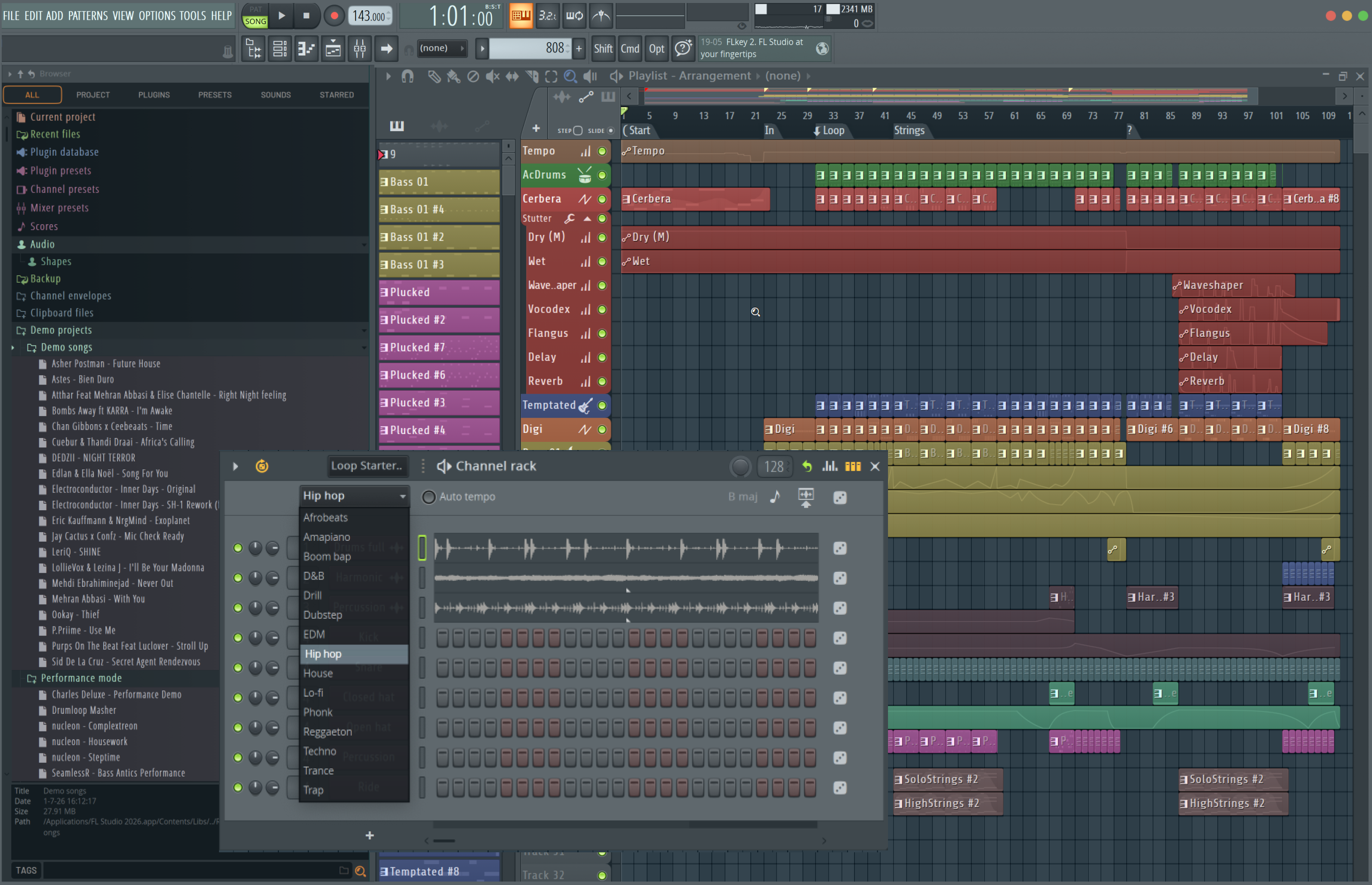
FL Studio centres on building patterns in the Channel Rack, writing detailed notes in the Piano Roll, then arranging the song in the Playlist. It suits beats and electronic production.
At a glance
- Category
- DAWs
- Type
- Beat-making DAW
- Cost model
- Paid — check current price
- Supported platforms
- Windows · macOS
- Use cases
- Beat making · Sound design · Mixing
- Plugin formats by platform
- VST3 — Windows, macOS / CLAP — Windows, macOS / AU — macOS
Key points
- Program rhythms with the Channel Rack step sequencer
- Write melodies and chords in the Piano Roll
- Arrange patterns, recordings and automation in the Playlist
Who it suits
Beatmakers who like to grow short patterns into a complete track
Check before choosing
The time-unlimited trial can export audio but cannot reopen saved projects until you purchase. Compare editions, especially their audio-recording features.
Official sources
- FL Studio — www.image-line.com
- support.image-line.com/action/knowledgebase
- www.image-line.com/fl-studio-learning/fl-studio-online-manual/html/channelrack.htm
Information checked:
ToneLumo summarizes official sources. We have not tested this product on every computer and are not an authorized reseller of this brand. Pricing, editions, licenses and compatibility can change; check the manufacturer before buying.
View manufacturer details →